Task File - Delete File
The File delete Task lets you delete file(s) with help of VisualCron file filter which can base deletion on file mask, date, size etc.
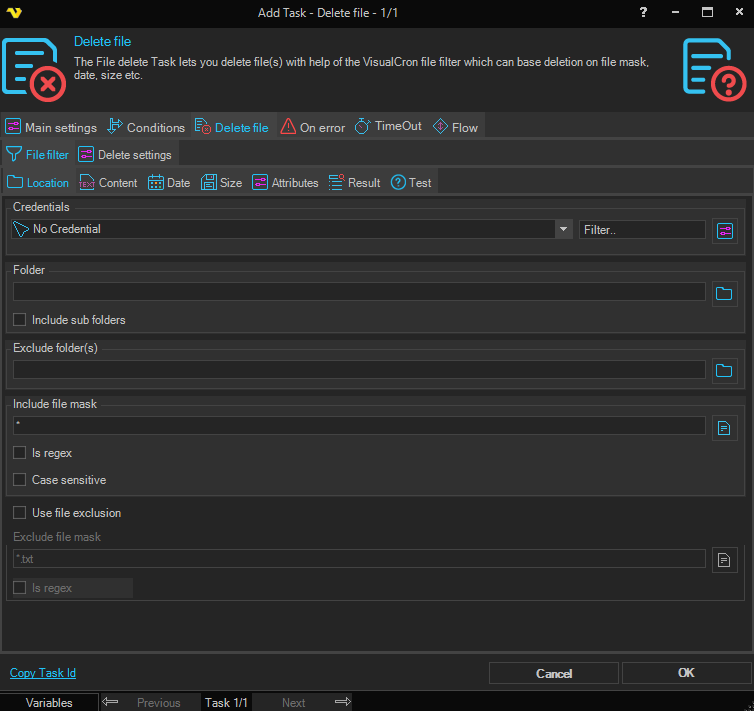
Delete file > File filter > Location sub tab
The file filter sub tab contains the standard file filter.
Delete file > Delete settings sub tab
Delete empty sub folders
If checked, empty sub folders are deleted.
Remove read only flag
If checked, the read-only attribute is removed from files, allowing deletion of read-only files.
Secure before delete a file
Secure content with random data
If checked, the file content is overwritten with random data before deletion. Note: using this on a SSD drive can degrade performance.
Secure of file time attributes
If checked, the creation time, last access time, and last write time of the file are all set to 01/01/1980 before deletion.
Secure file name
If checked, the file is renamed with a random name before deletion.