Task IIS - Change Application Pool State
The IIS - Change Application Pool State Task starts, stops, or recycles an existing application pool in Internet Information Services (IIS). Recycling an application pool restarts the worker process, which can resolve memory leaks or hung processes without a full stop and start.
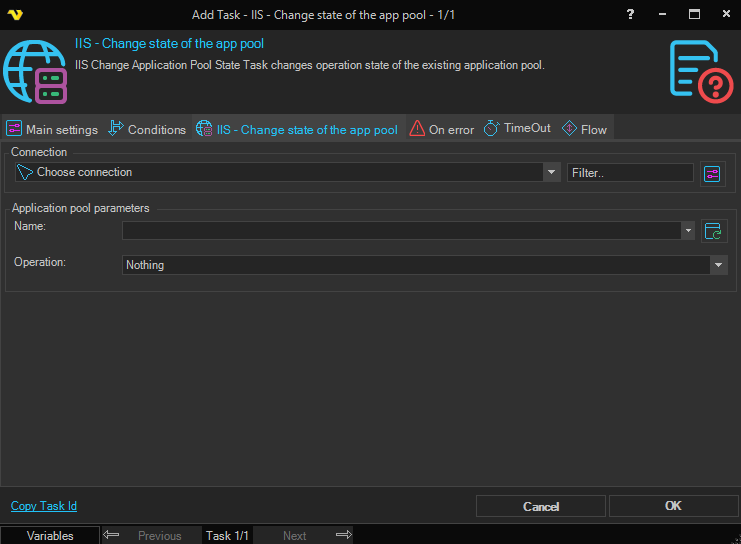
Connection
To use IIS Tasks you need to create an IIS Connection first. Click the Settings icon to open the Manage Connections dialog.
Application pool parameters
Application pool name
The name of the application pool to manage. Click the Refresh icon to populate the drop-down list with available application pools.
Operation
The operation to perform on the application pool. Available options are:
- Start – Starts the application pool
- Stop – Stops the application pool and terminates its worker process
- Recycle – Gracefully restarts the application pool worker process without dropping active connections