Task IIS - Change Website State
The IIS - Change Website State Task starts, stops, or restarts an existing website in Internet Information Services (IIS).
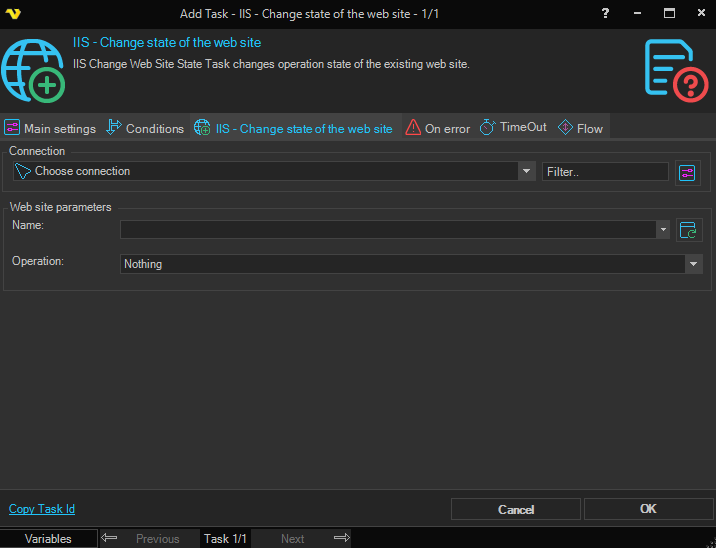
Connection
To use IIS Tasks you need to create an IIS Connection first. Click the Settings icon to open the Manage Connections dialog.
Web site parameters
Web site name
The name of the website to manage. Click the Refresh icon to populate the drop-down list with available websites.
Operation
The operation to perform on the website. Available options are:
- Start – Starts the website so it begins accepting requests
- Stop – Stops the website so it no longer accepts requests
- Restart – Stops and then starts the website