Task IIS - Is Application Pool Exists
The IIS - Is Application Pool Exists Task checks whether an application pool exists in the IIS of the VisualCron Server computer, using an IIS Connection. Use its output to control the Job flow before other IIS Tasks run.
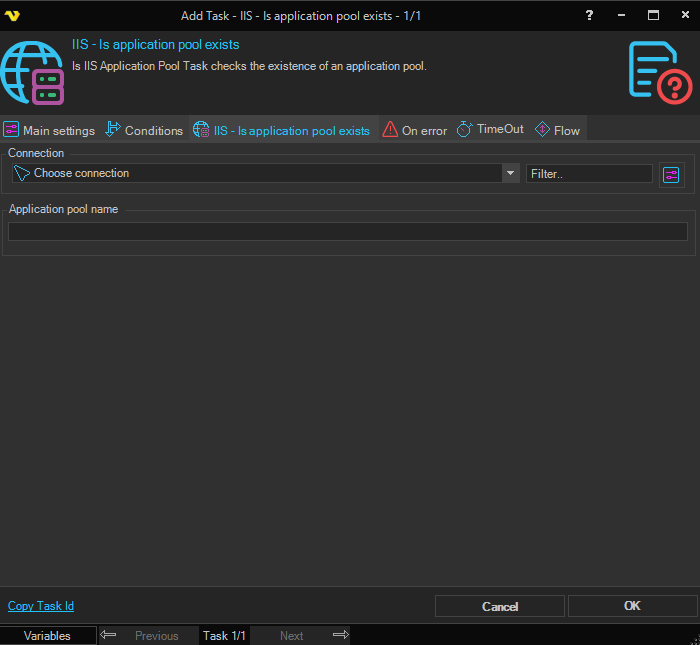
This Task uses an IIS Connection; see Connection - IIS. The Task always works on the IIS of the VisualCron Server computer: the Connection's Address is not used, and IIS is read as the account of the VisualCron Server service. The Connection's Username and Password are used only for network access.
The Main settings, Flow, On error, Conditions and TimeOut tabs are the same for every Task; see Job - Tasks.
IIS - Is application pool exists tab
- Connection: the IIS Connection. Required. Click the Settings icon to open Manage Connections
- Application pool name: the name of the application pool, matched exactly, including case. Required
Output and errors
The output is "Exists" when the application pool exists and "Not exists" when it does not. The Task reports success in both cases, so check the output, for example on the Flow tab.
The TimeOut tab does not stop this Task.