Task SharePoint - Delete List
The SharePoint - Delete list(s) Task deletes a list, with all its items, from a SharePoint site, using a SharePoint Connection.
The SharePoint Tasks work with SharePoint 2010, 2013 and 2016 on premises, and with SharePoint Online.
This Task uses a SharePoint Connection; see Connection - SharePoint. When a certificate is selected in the Connection, the Task accepts any server certificate, and each run of a SharePoint Task changes TLS handling for the whole Server process.
The Main settings, Flow, On error, Conditions and TimeOut tabs are the same for every Task; see Job - Tasks.
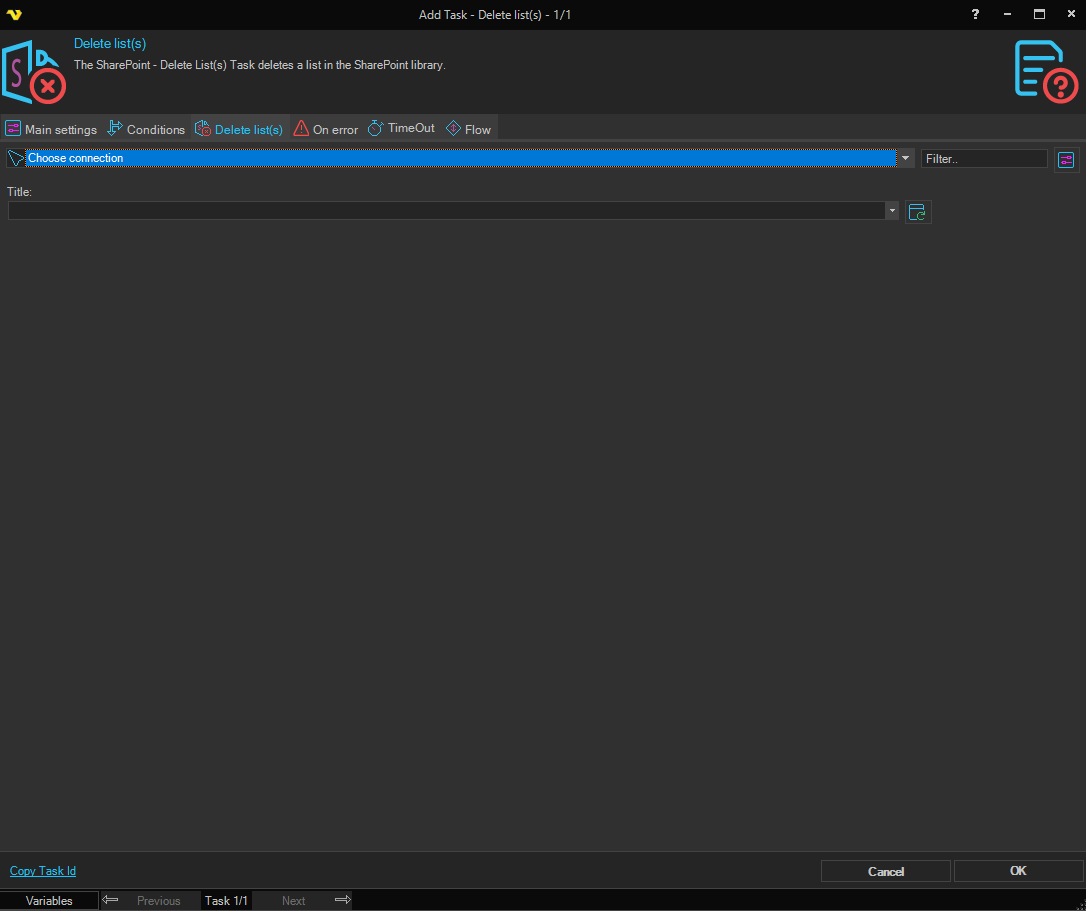
Delete list(s) tab
- Connection: the SharePoint Connection to use. The button next to the list manages Connections
- Title: the exact title of the list to delete. Wildcards are not supported, so one Task deletes one list. Click the button next to the box to show the lists of the site. Variables are resolved
Output and errors
The Task does not write output. When no list has the title, the Task fails with the error from SharePoint.
The Task deletes the list and all its items without a prompt. Check Title before the Task runs.