Task Sharepoint - Update List Item
The SharePoint - Update List Item Task updates an item in a list in the SharePoint library.
- SharePoint 2010
- SharePoint 2013
- SharePoint Online
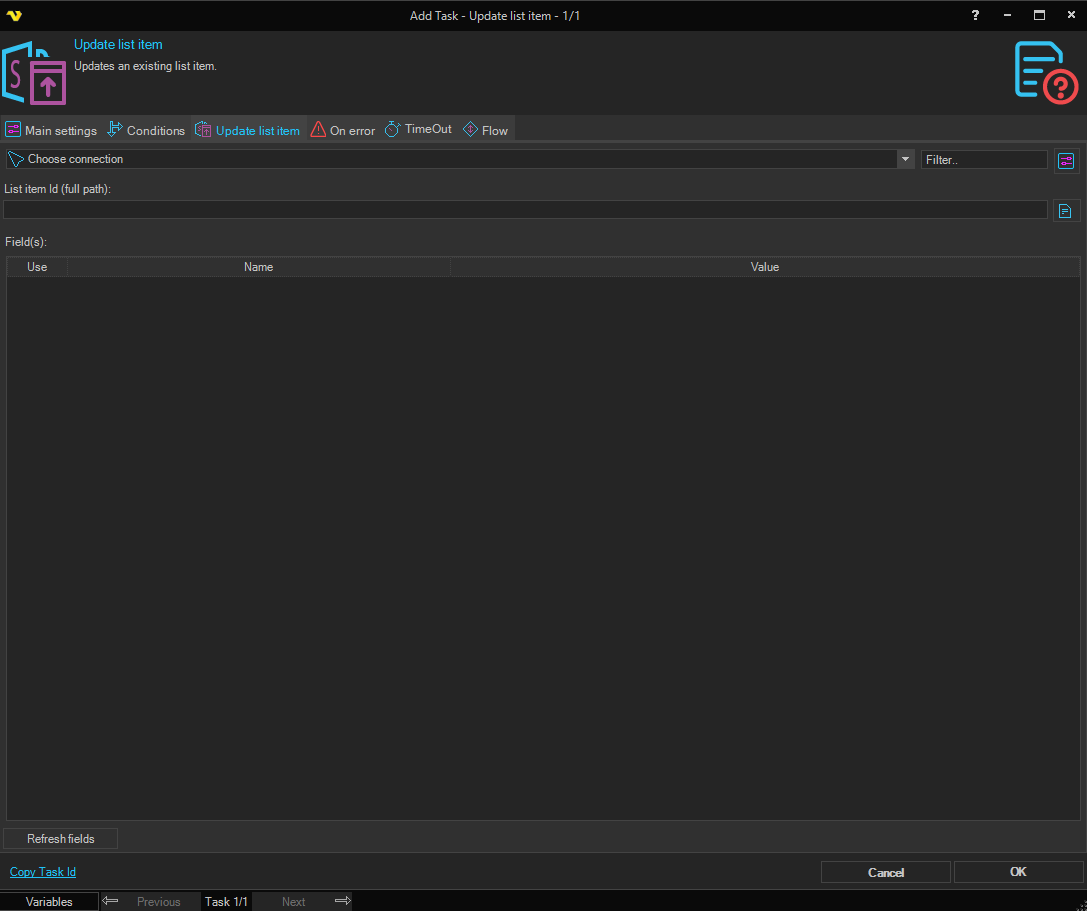
Connection
To use SharePoint Tasks you need to create a Connection first. Click the Settings icon to open the Manage Connections dialog.
List item Id (full path)
The full path identifier of the list item to update. Click the Folder icon to browse a SharePoint site and select a specific item.
Field(s)
The grid lists the available fields for the selected list item. Each row has a Use checkbox, a Name column showing the field name, and a Value column where you enter the updated value for that field. Check the Use checkbox for each field you want to update. Click the Refresh fields button to populate the grid with all available fields from the list associated with the selected item.