Task Messaging - Pushbullet - Send Message
The Pushbullet - Send message Task sends a message to one or more Pushbullet devices, contacts and/or channels.

Connection
Select an existing global Pushbullet Connection for storing the connection credentials.
Title
The notification title.
Body
The message text shown in the notification.
Pushbullet - Send message > Recipients sub tab
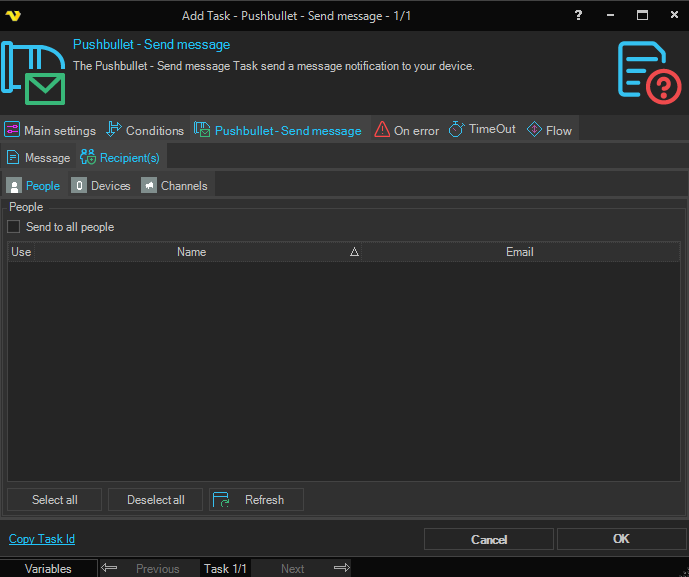
The Recipients section has three nested sub tabs — Devices, Contacts and Channels — that let you choose where the message is delivered. At least one recipient must be selected across the three tabs.
Each recipient sub tab works the same way:
- Send to all - when checked, the message is sent to every recipient of that type and the grid is disabled
- Refresh - queries the selected Connection and populates the grid with the available recipients
- Select all / Deselect all - quickly toggle the Use column for every row in the grid
- The grid - check the Use column on the rows to choose individual recipients