Task Messaging - Pushbullet - Upload File
The Pushbullet - Upload file Task uploads one or more files to the Pushbullet cloud repository. The Task returns the URL of each uploaded file in its output, ready to be used in a later Task.
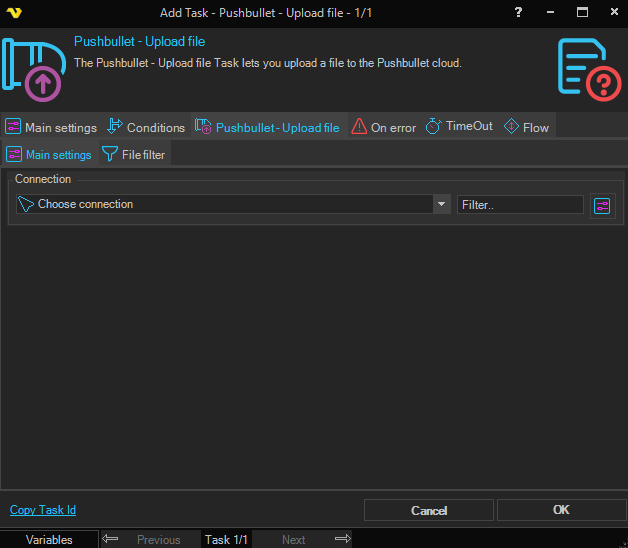
Pushbullet - Upload file > Main settings sub tab
Connection
Select an existing global Pushbullet Connection for storing the connection credentials.
Pushbullet - Upload file > File filter sub tab
Use the standard File filter to select one or more files to upload.