Task Net - WebDAV - Delete
The WebDAV - Delete lets you delete, one or more, files or folders. Web-based Distributed Authoring and Versioning (WebDAV) is a set of methods based on the Hypertext Transfer Protocol (HTTP) that facilitates collaboration between users in editing and managing documents and files stored on World Wide Web servers.
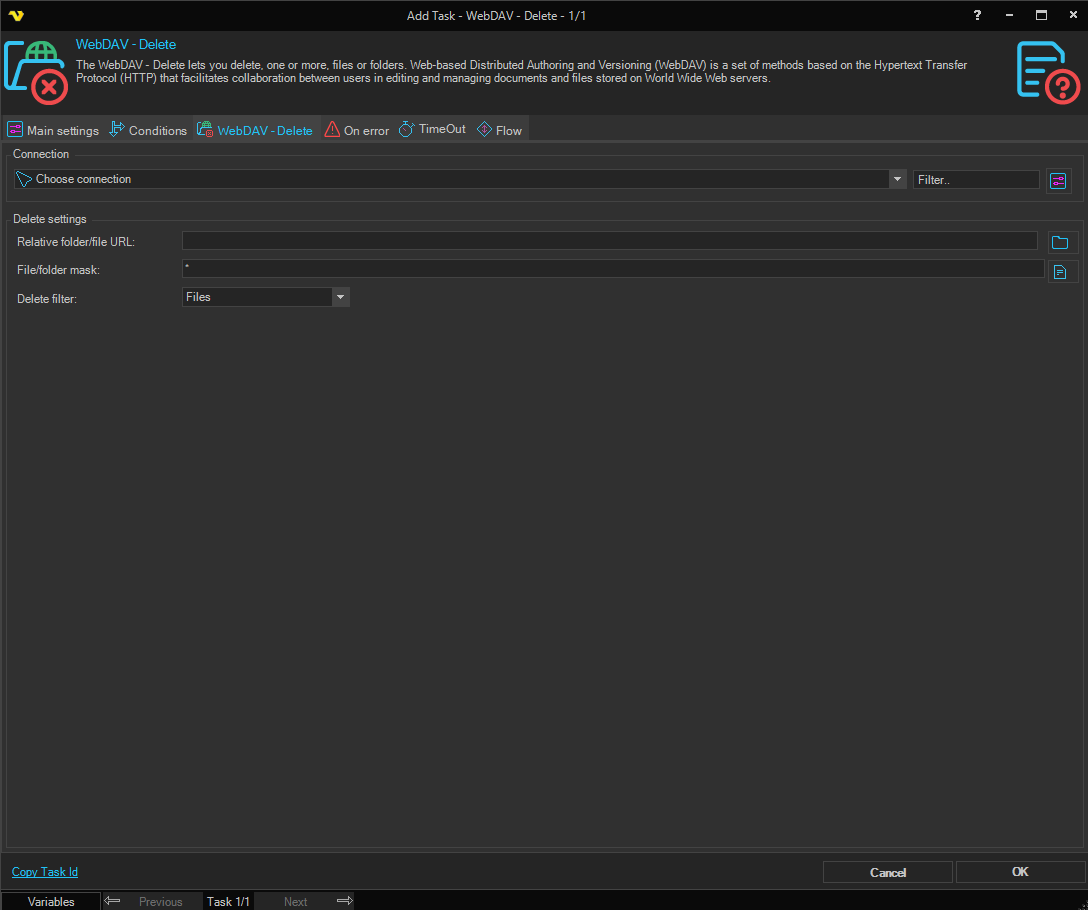
Connection
All WebDAV Tasks use connection settings from a Connection. In Connections you can create a new WebDAV connection with all other details like Proxy. In the combo box you select the Connection after creation.
Relative folder/file URL
The relative path (within the WebDAV server) to the base folder or file to delete. Use the folder browse button to select a folder from the server (a Connection must be selected first).
File/folder mask
Filters which files or folders to delete. Use the exact name or a wildcard pattern (e.g. * for all, *.csv for CSV files only). Use the file browse button to populate this field from a selected file. Default is *.
Delete filter
Controls what type of items to delete. Options: Files (default), Folders, All.