Task VMWare - Clone VM
The VMWare - Clone VM Task lets you clone a virtual machine. This Task uses the Local VMWare workstation connection type.
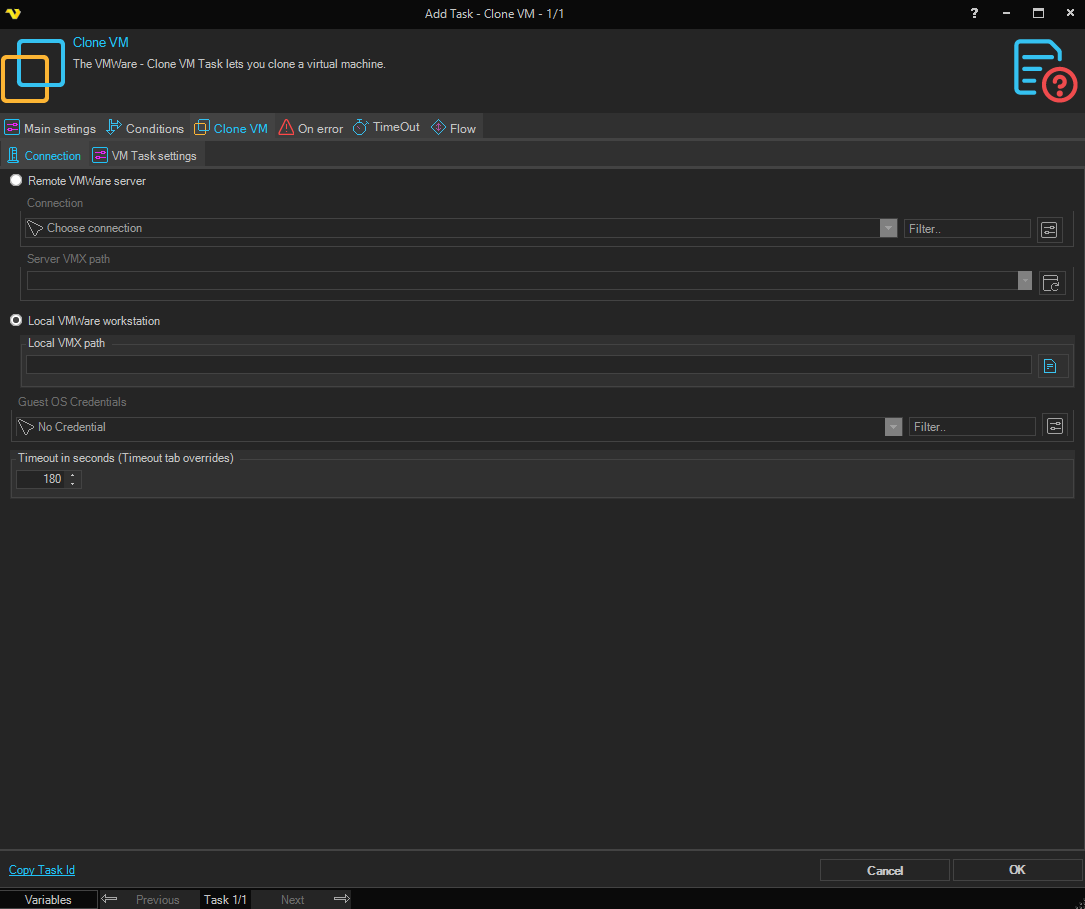
Clone VM > Connection sub tab
The Connection sub tab is the same for all VMWare Task types. See Start VM for details.
Clone VM > VM Task settings sub tab
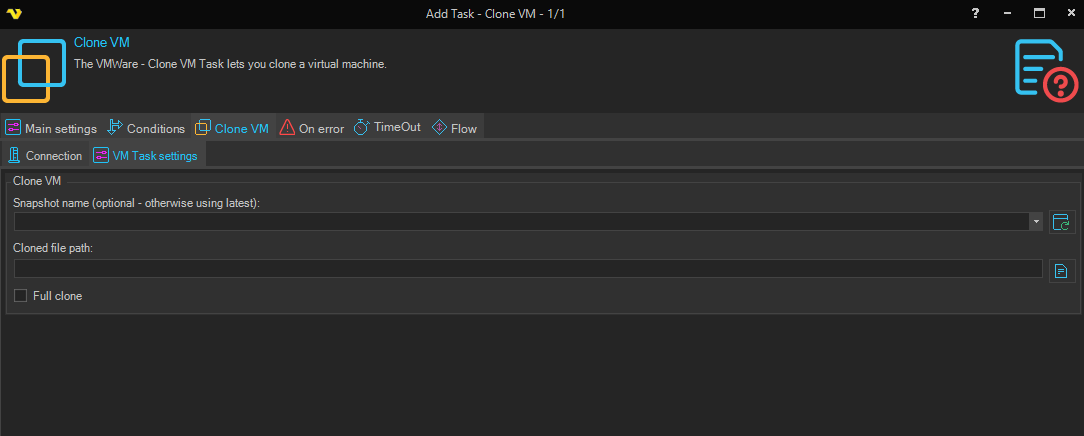
Snapshot name
The name of the snapshot to clone from. If none is specified the latest snapshot is used. Click the Refresh icon to populate the drop-down snapshot list.
Cloned file path
The path where the cloned VMX file should be placed. Click the Folder icon to choose the destination.
Full clone
When checked, creates a full, independent clone of the virtual machine. When unchecked, creates a linked clone, which is a copy of the virtual machine that shares virtual disks with the parent virtual machine in an ongoing manner. A linked clone conserves disk space as long as the parent and the clone do not change too much from their original state.