Task VMWare - [Guest] Run Command
The VMWare - [Guest] Run Command Task runs a program in the guest operating system.
The Main settings, Flow, On error, Conditions and TimeOut tabs are the same for every Task; see Job - Tasks.
With Remote VMWare server, this Task needs a VMWare Connection with the Authentication type "Vix"; "vSphere" and "vSphere 7" do not support it (see Connection support). See also Connection - VMWare.
Connection sub tab
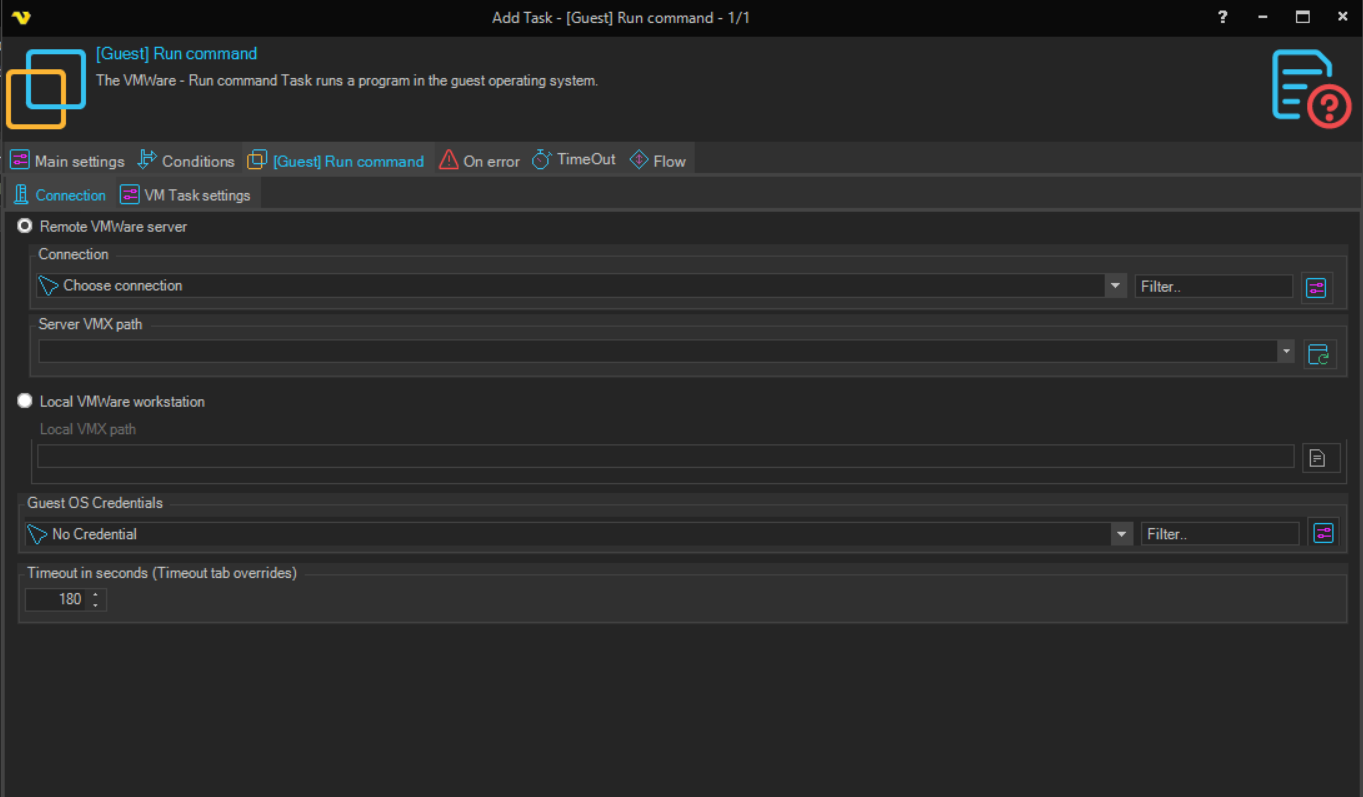
The Connection sub tab is the same for every VMWare Task; see Start VM for each field.
Guest OS Credentials is required: select the Credential of a user account inside the virtual machine. Before it signs in, the Task waits up to 60 seconds for VMware Tools to run in the guest, whatever the timeout says. It signs in with the VMware option that requires an interactive session, so that user must be signed in to the guest desktop.
VM Task settings sub tab
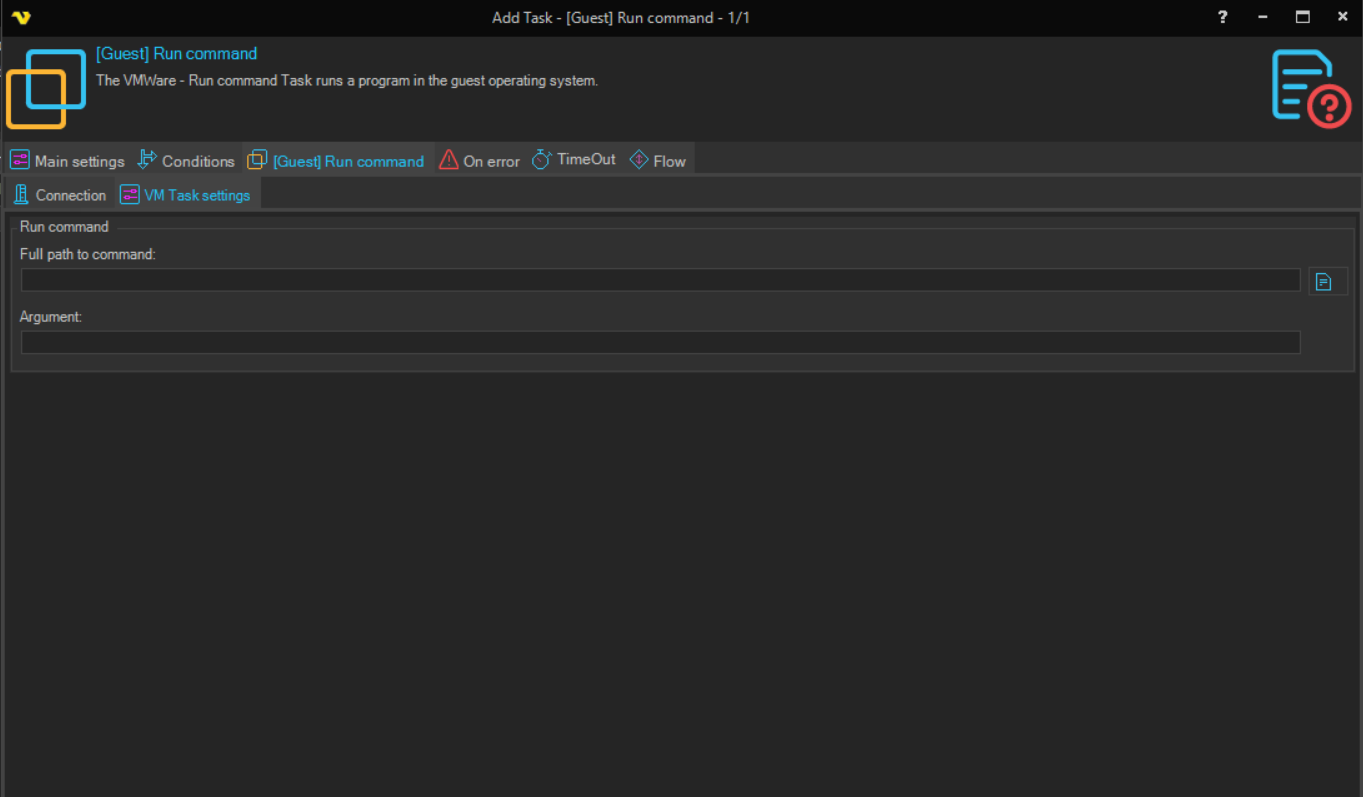
- Full path to command: the full path of the program, batch file or script in the guest. The File icon opens a file browser on the computer that runs the Client and enters only the file name, so complete the path by hand. Variables are replaced in this field
- Argument: the arguments to pass to the program. Variables are replaced in this field
Output and errors
The Task waits for the program to end, for up to Timeout in seconds (or the time on the TimeOut tab). If the program runs longer, the Task fails. The output of the program is not captured.
The Task does not check the exit code of the program, so when the program fails in the guest, the error is not reported, and the Task reports success.
When VMware itself reports an error, the Task fails.