Task VMWare - Create VM Snapshot
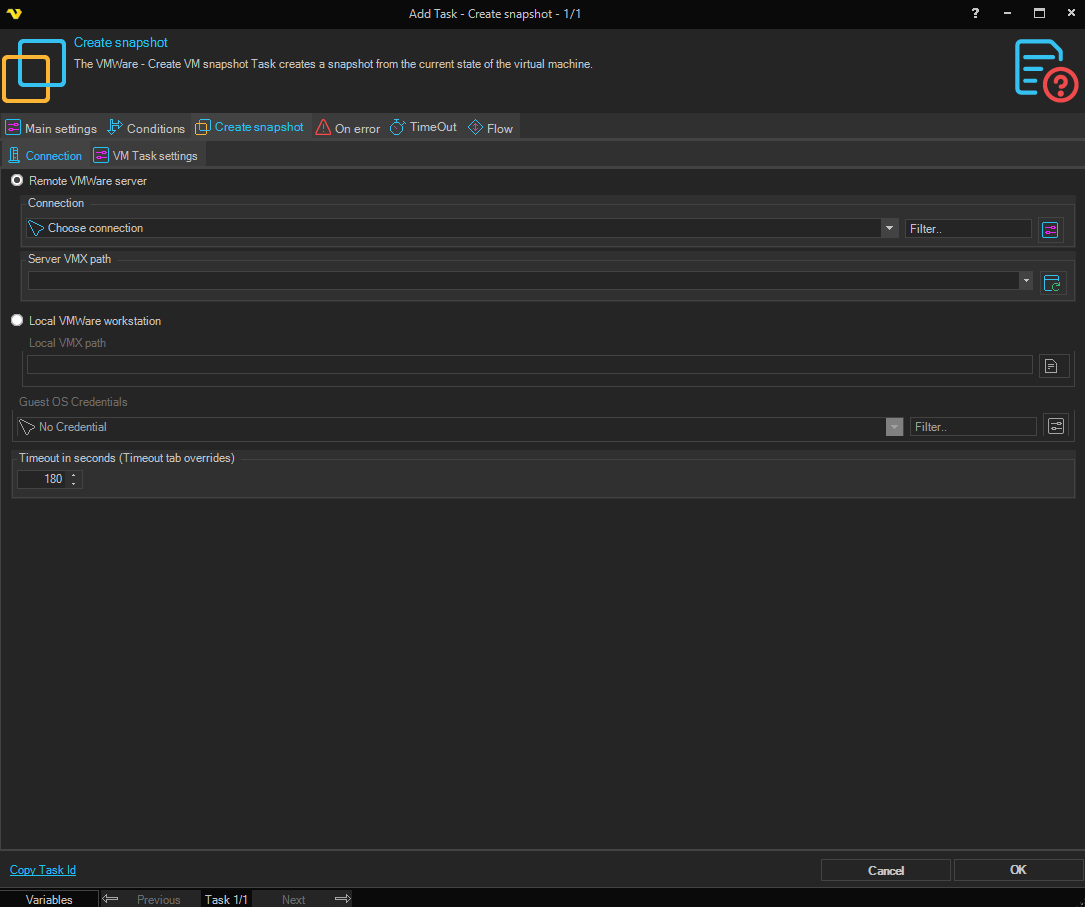
The VMWare - Create VM Snapshot Task creates a snapshot from the current state of a virtual machine, using a VMWare Connection or VMware Workstation on the VisualCron Server computer.
The Main settings, Flow, On error, Conditions and TimeOut tabs are the same for every Task; see Job - Tasks.
With Remote VMWare server, this Task needs a VMWare Connection with the Authentication type "Vix" or "vSphere"; "vSphere 7" does not support it (see Connection support). See also Connection - VMWare.
Connection sub tab
The Connection sub tab is the same for every VMWare Task; see Start VM for each field.
VM Task settings sub tab
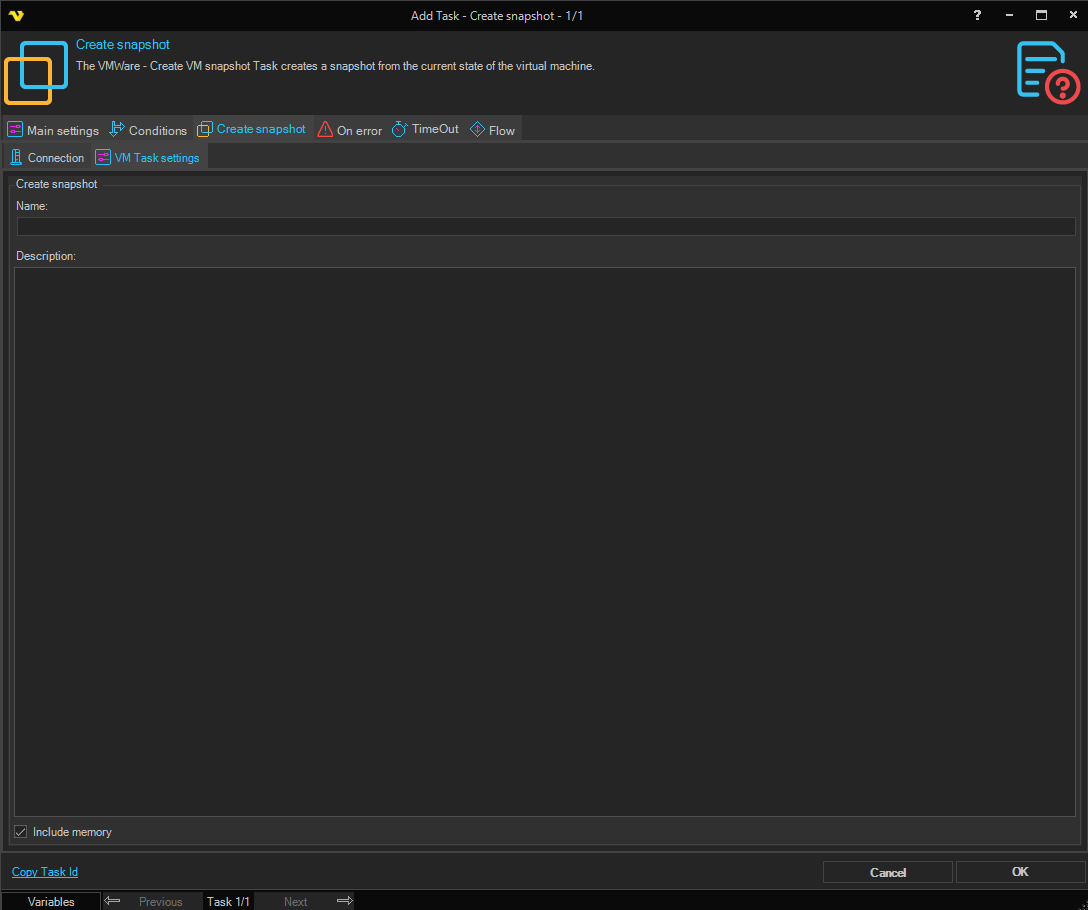
- Name: the name of the snapshot. Variables are replaced in this field
- Description: a description of the snapshot. Variables are replaced in this field
- Include memory: capture the memory of a running virtual machine as well. Checked by default
Output and errors
When VMware reports an error, the Task fails.