Task VMWare - List VM
The VMWare - List VM Task lists the virtual machines on a VMware server, using a VMWare Connection.
The Main settings, Flow, On error, Conditions and TimeOut tabs are the same for every Task; see Job - Tasks.
With Remote VMWare server, this Task works with every Authentication type of the VMWare Connection; see Connection - VMWare.
Connection sub tab
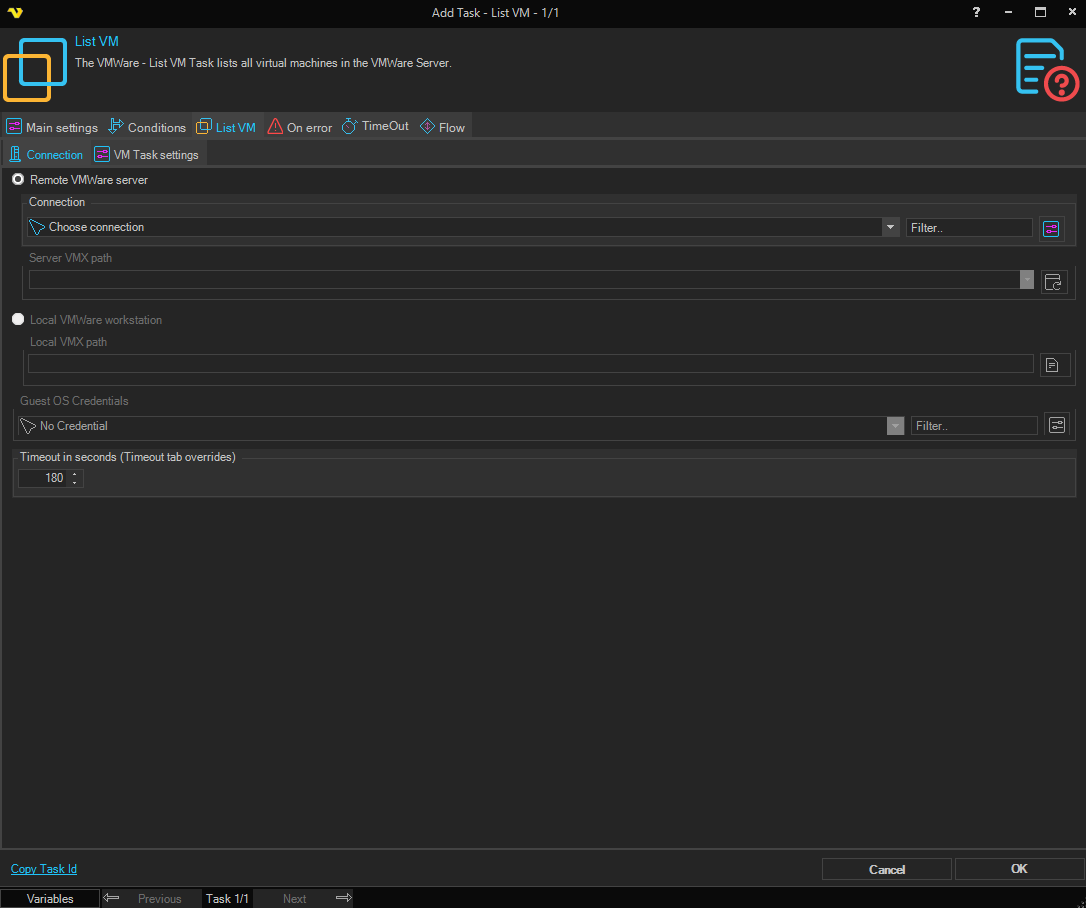
The Connection sub tab is the same for every VMWare Task; see Start VM for each field.
Only Remote VMWare server can be used, and Server VMX path is not used.
VM Task settings sub tab
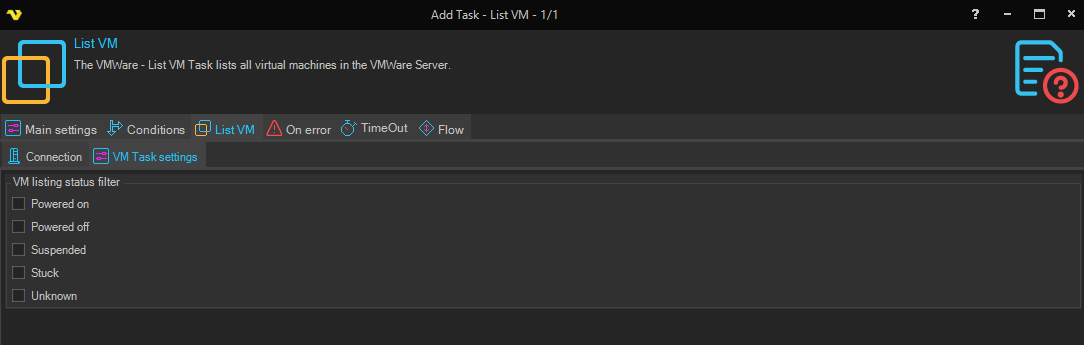
- VM listing status filter: the states to include. Check one or more of "Powered on", "Powered off", "Suspended", "Stuck" and "Unknown". None is checked by default, and with none checked the list is empty. With a "vSphere" or "vSphere 7" Connection, "Stuck" and "Unknown" match nothing
Output and errors
The output is an XML list of the matching virtual machines, with each one's path and whether it is powered on.
With a "vSphere 7" Connection, an error from vCenter after sign-in gives an empty list, and the Task reports success.
Otherwise, when VMware reports an error, the Task fails.