Task VMWare - [Guest] Delete Directory
The VMWare - Delete directory Task deletes a directory in the guest operating system.
[Guest] Delete directory > Connection sub tab
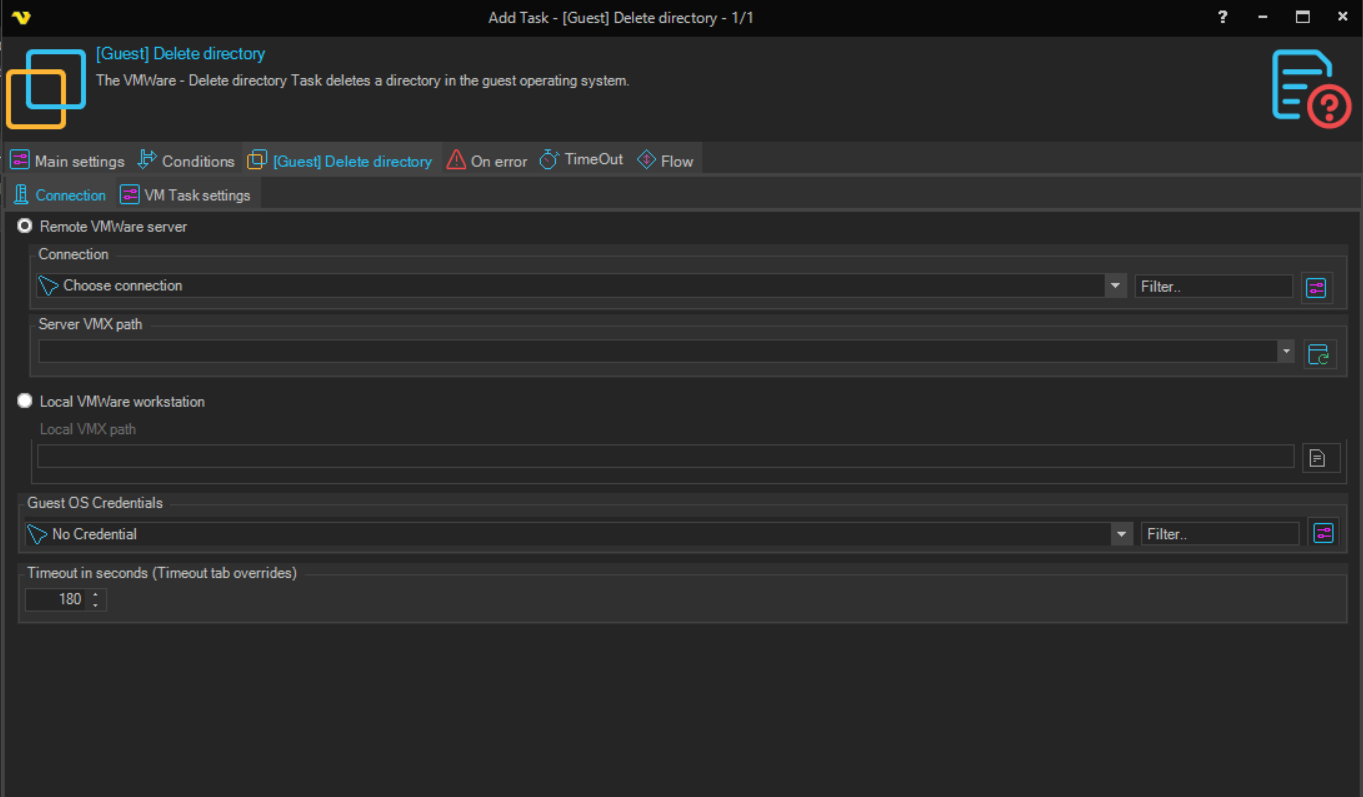
The Connection sub tab is the same for all VMWare Task types. See Start VM for details.
[Guest] Delete directory > VM Task settings sub tab
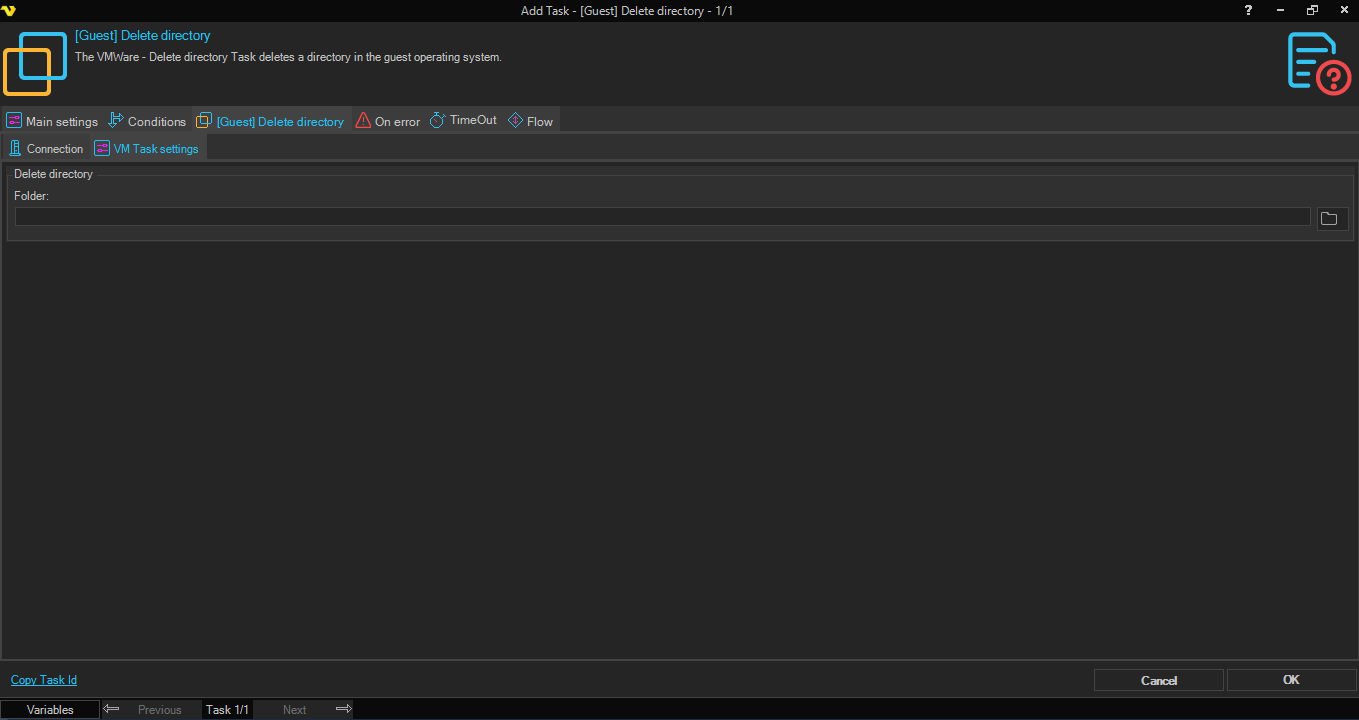
Folder
The path of the folder to delete in the guest operating system.