Task VMWare - [Guest] Kill Process
The VMWare - Kill process Task kills a process in the guest operating system.
[Guest] Kill process(es) > Connection sub tab
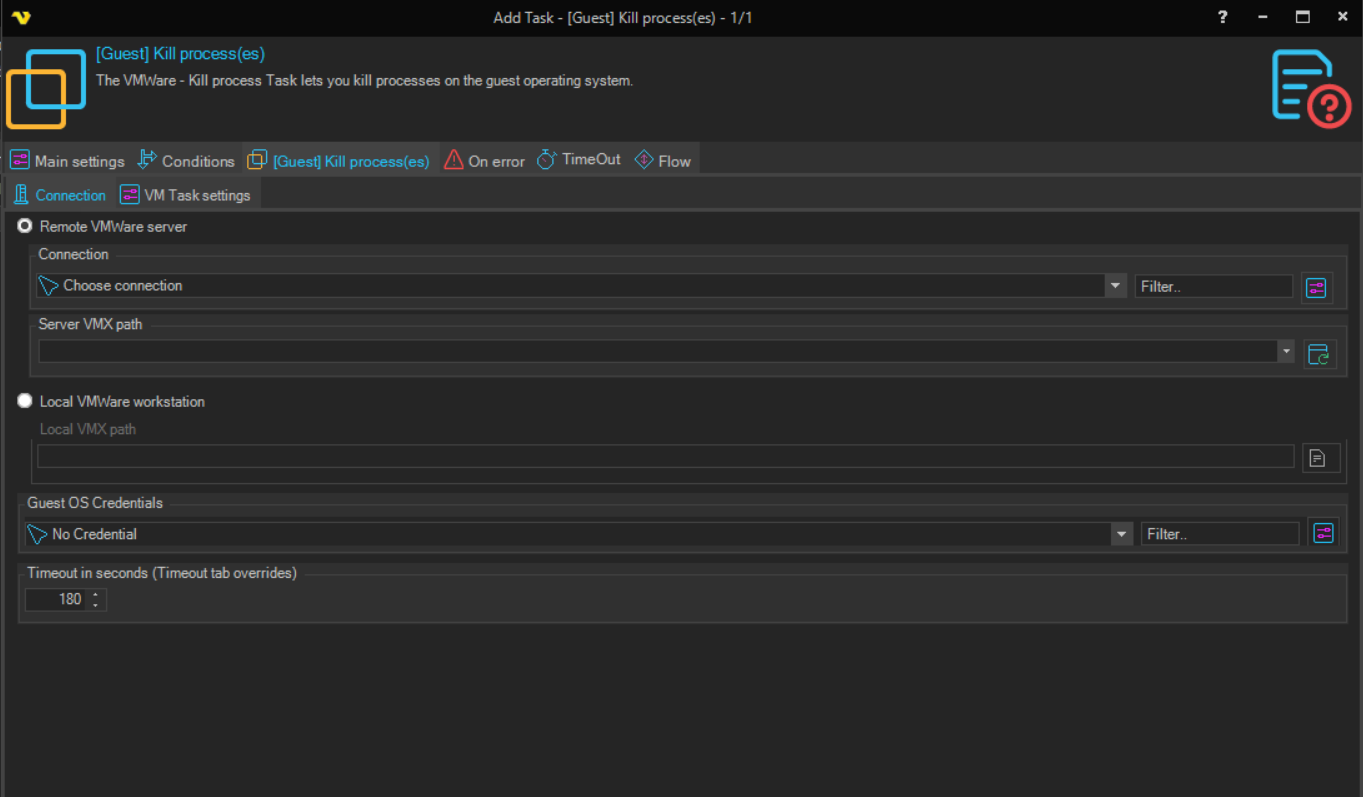
The Connection sub tab is the same for all VMWare Task types. See Start VM for details.
[Guest] Kill process(es) > VM Task settings sub tab
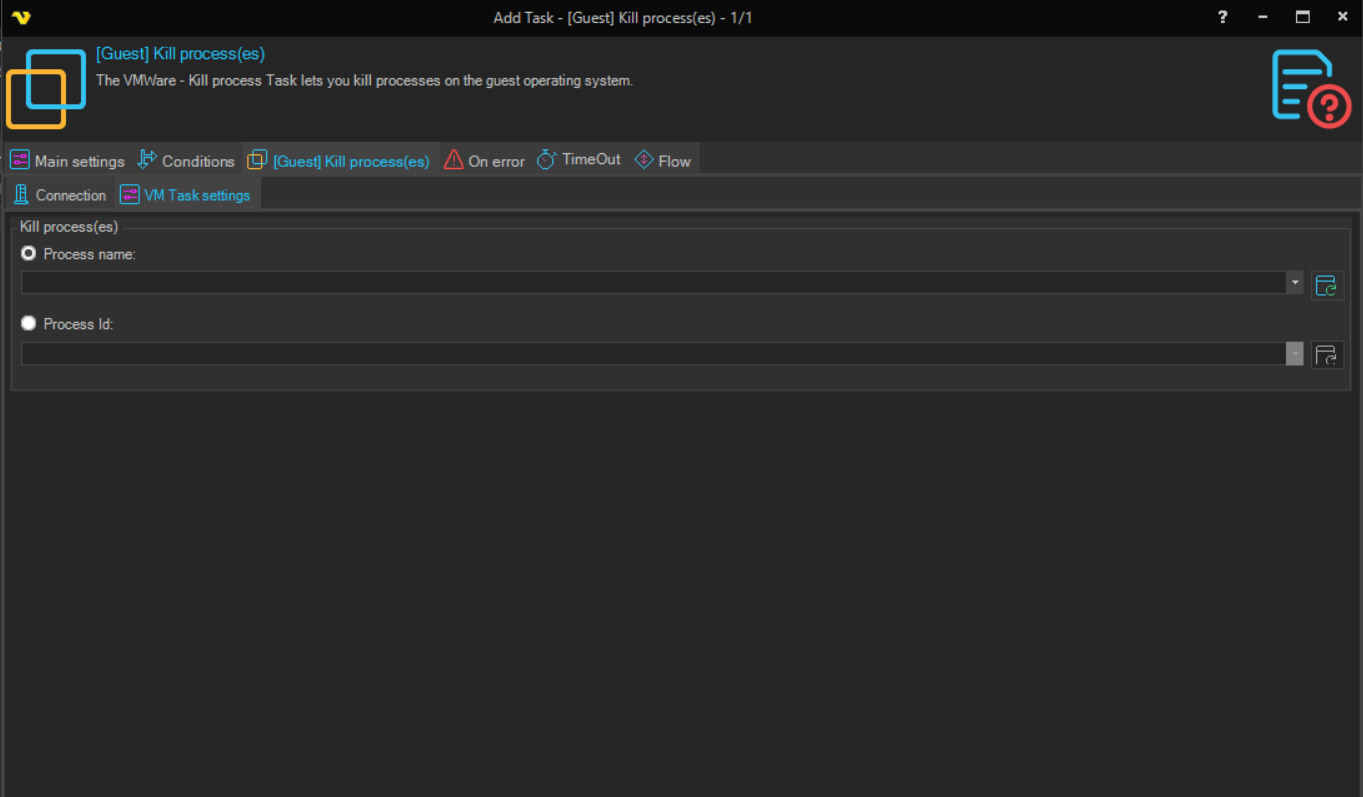
Identify process by
Select how to identify the process to kill. Available options:
- Process Id - identify the process by its numeric process ID
- Process name - identify the process by its executable name
Process Id
The process ID of the process to kill. Click the Refresh icon to populate the drop-down list with the IDs of the processes currently running in the guest. Used when Identify process by is set to Process Id.
Process name
The name of the process to kill. Click the Refresh icon to populate the drop-down list with the names of the processes currently running in the guest. Used when Identify process by is set to Process name.