Task VMWare - Pause VM
The VMWare - Pause VM Task pauses a running virtual machine, using VMware Workstation on the VisualCron Server computer or a VMWare Connection.
The Main settings, Flow, On error, Conditions and TimeOut tabs are the same for every Task; see Job - Tasks.
With Remote VMWare server, this Task needs a VMWare Connection with the Authentication type "Vix"; "vSphere" and "vSphere 7" do not support it (see Connection support). See also Connection - VMWare.
Connection sub tab
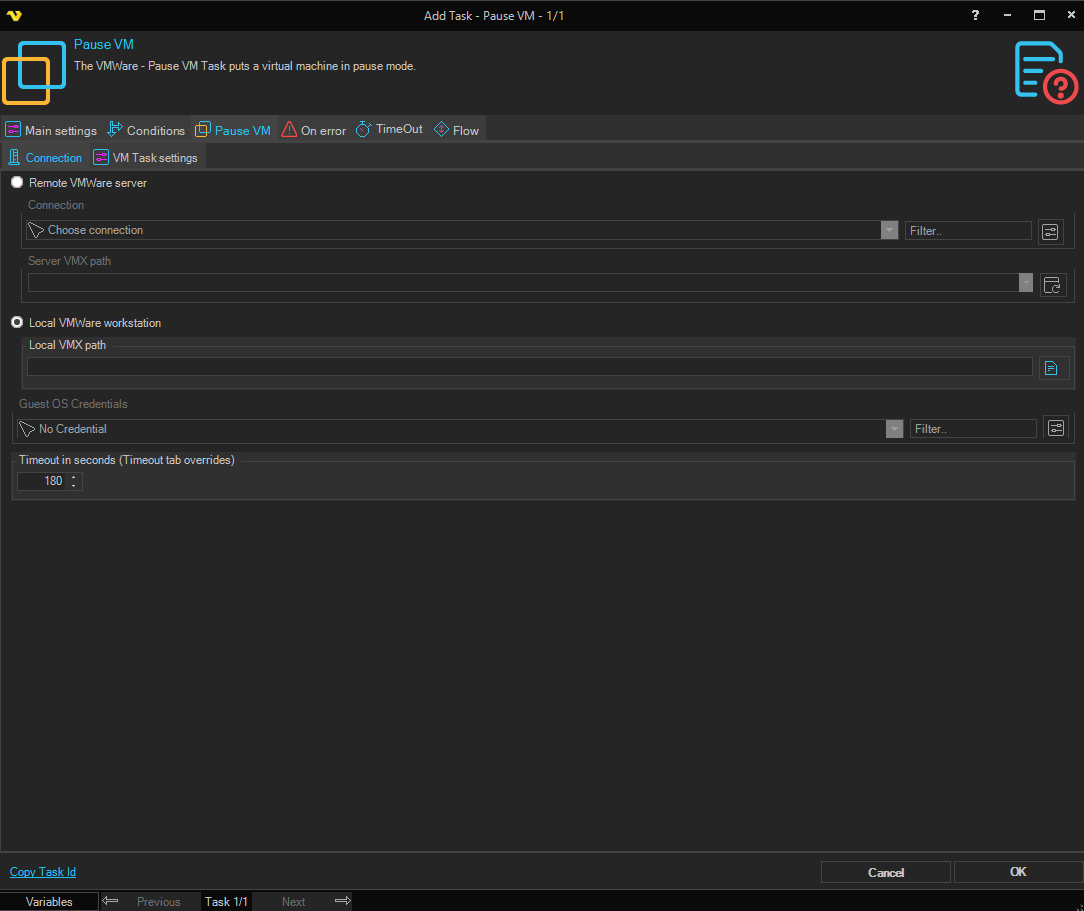
The Connection sub tab is the same for every VMWare Task; see Start VM for each field.
Each time the Task opens, Local VMWare workstation is selected, even if the Task was saved with Remote VMWare server. Check the selection before you click OK.
Output and errors
When VMware reports an error, the Task fails. To continue a paused virtual machine, use the Resume VM Task.