Task VMWare - Revert to VM Snapshot
The VMWare - Revert to VM Snapshot Task returns a virtual machine to the state of a snapshot, using a VMWare Connection or VMware Workstation on the VisualCron Server computer.
Reverting replaces the current state of the virtual machine with the snapshot, without asking for confirmation. Changes made since the snapshot are lost unless you create a snapshot first.
The Main settings, Flow, On error, Conditions and TimeOut tabs are the same for every Task; see Job - Tasks.
With Remote VMWare server, this Task needs a VMWare Connection with the Authentication type "Vix" or "vSphere"; "vSphere 7" does not support it (see Connection support). See also Connection - VMWare.
Connection sub tab
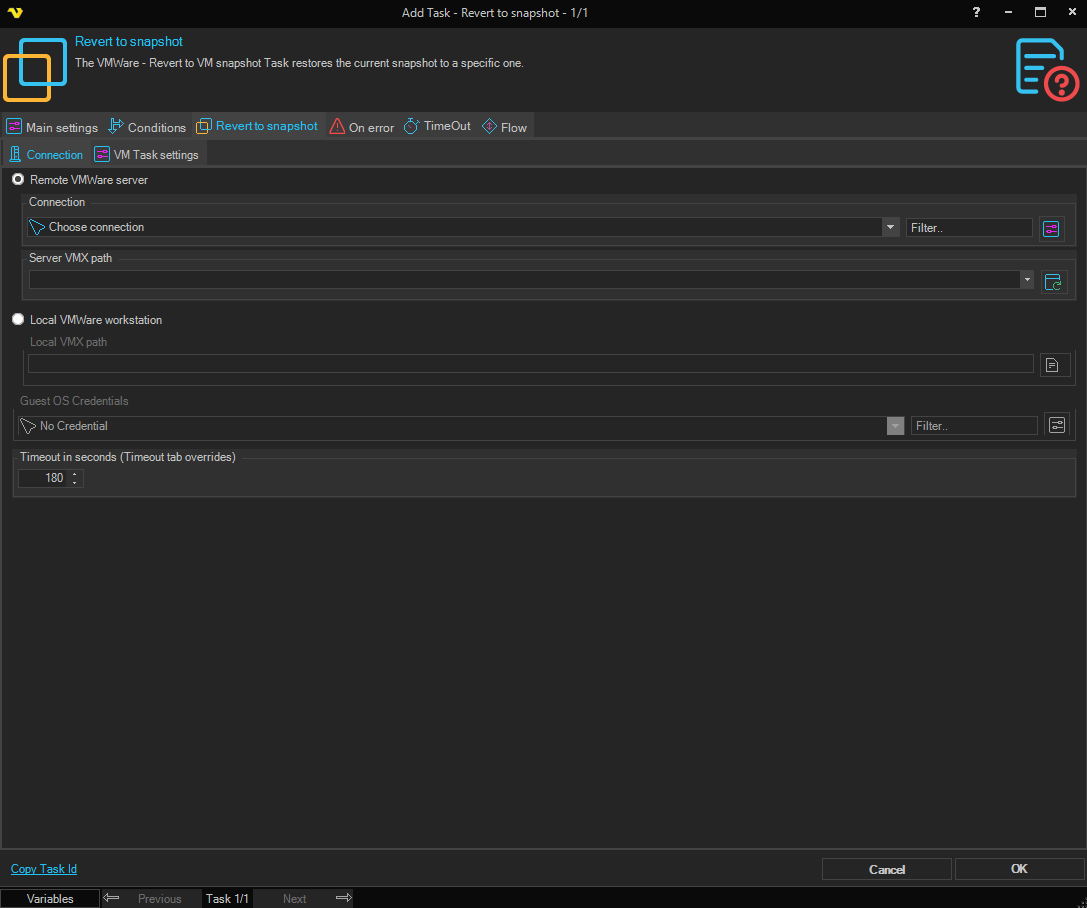
The Connection sub tab is the same for every VMWare Task; see Start VM for each field.
VM Task settings sub tab
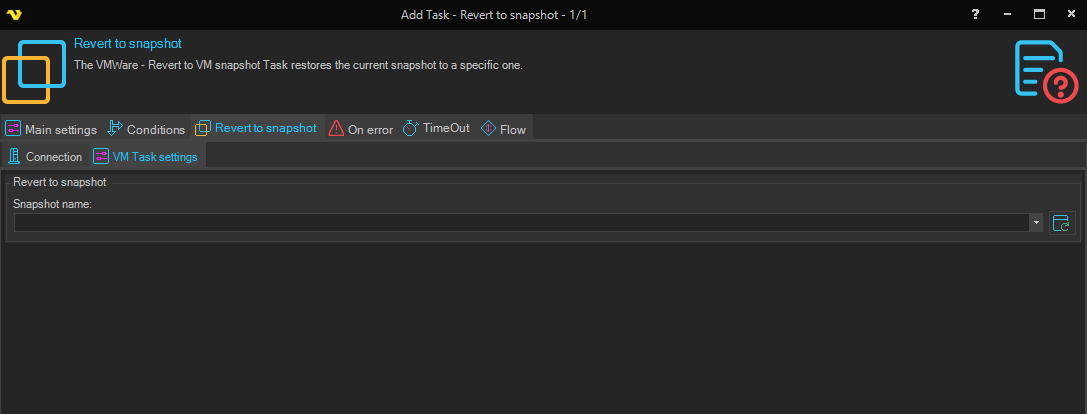
- Snapshot name: the name of the snapshot to revert to. Variables are replaced in this field
The Refresh icon next to the field does not fill the list in this version; type the snapshot name.
Output and errors
If the snapshot is not found, the Task fails. When VMware reports an error, the Task fails.