Task VMWare - Stop VM
The VMWare - Stop VM Task stops (powers off) a virtual machine, using a VMWare Connection or VMware Workstation on the VisualCron Server computer.
With a "vSphere" or "vSphere 7" Connection, Stop type is not used: the virtual machine is always powered off at once, as if the power were pulled, so unsaved work in the guest can be lost. For a clean shutdown of the guest, use a "Vix" Connection or Local VMWare workstation with "Soft".
The Main settings, Flow, On error, Conditions and TimeOut tabs are the same for every Task; see Job - Tasks.
With Remote VMWare server, this Task works with every Authentication type of the VMWare Connection; see Connection - VMWare.
Connection sub tab
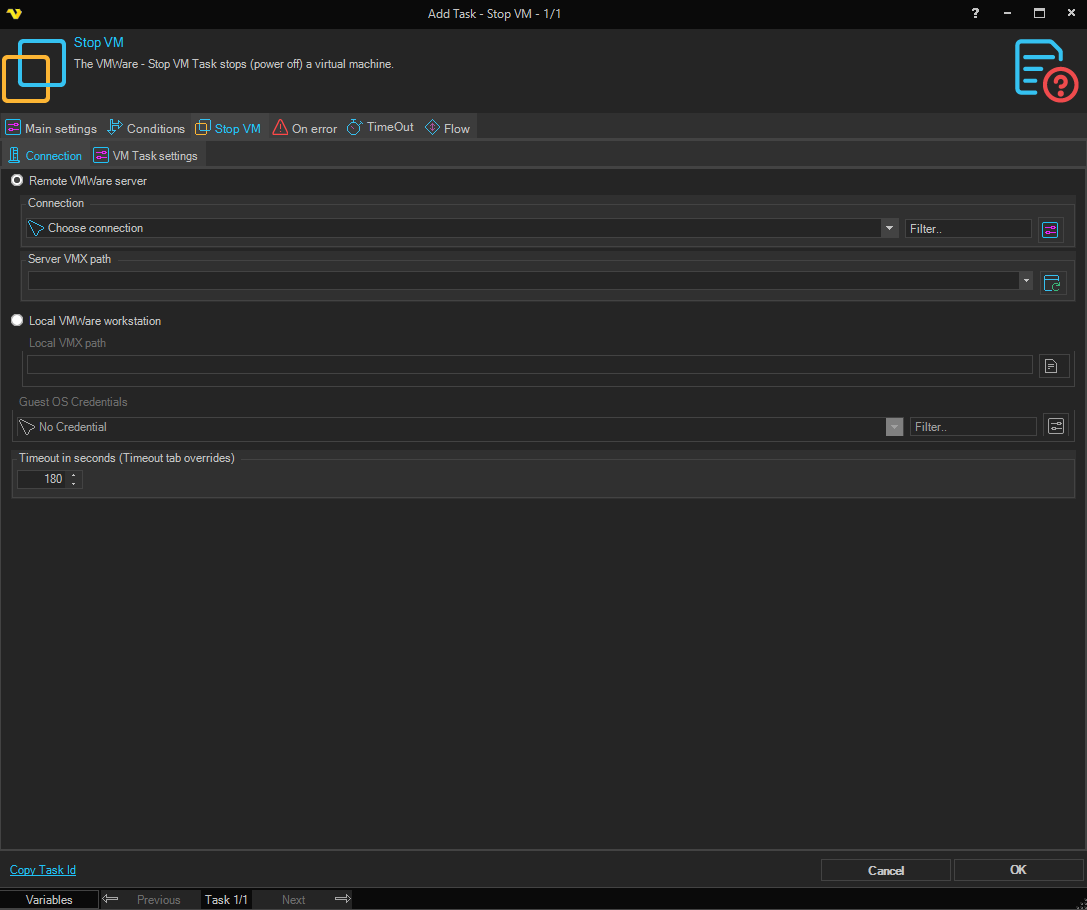
The Connection sub tab is the same for every VMWare Task; see Start VM for each field.
VM Task settings sub tab
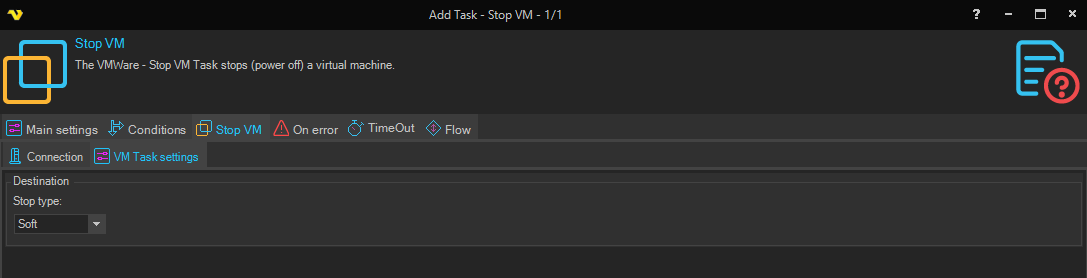
- Stop type: how the virtual machine is powered off, "Soft" by default:
- "Hard": powers off the virtual machine at once, as if the power were pulled
- "Soft": asks the guest operating system to shut down through VMware Tools
- "TrySoft": works the same as "Soft"; there is no fallback to "Hard" when the guest does not shut down
Output and errors
When VMware reports an error, the Task fails.