Task PDF - Concatenate
The PDF - Concatenate Task merges two or more PDF files into one.
Concatenate > PDF files sub tab

In the PDF files tab you control which PDF files are concatenated and the order they are added in. Click the Add icon to select files using one or more File filters.
Concatenate > Destination sub tab
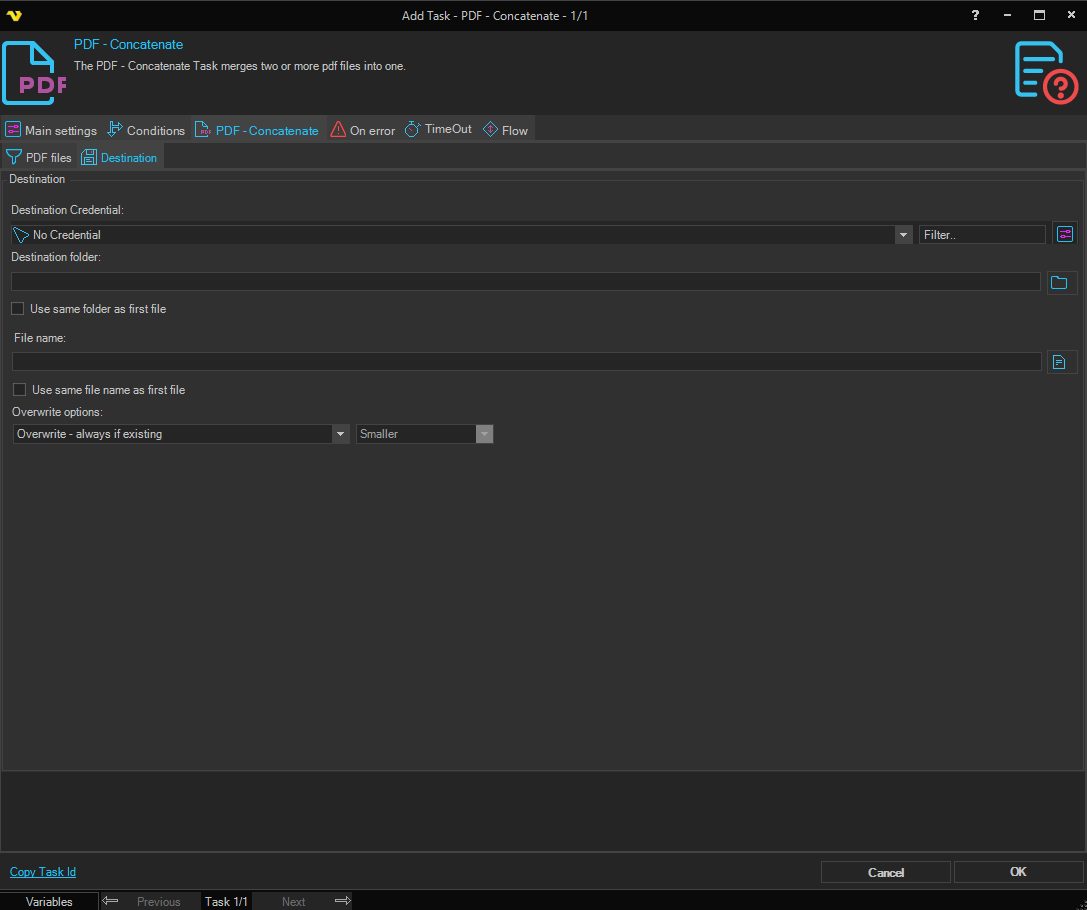
Destination folder
The folder the new file should be stored in. Click the Folder icon to browse for a folder. Overridden by Use same folder as first file.
Credential
When the destination folder is on a network share that requires authentication, select a Credential. The Credential must match a user name and password that has access to the destination.
Use same folder as first file
When checked, the destination folder is taken from the first file that was matched in the PDF files tab.
File name
Name of the concatenated file. Overridden by Use same file name as first file.
Use same file name as first file
When checked, the destination file name is taken from the first file that was matched in the PDF files tab.
Overwrite options
Controls how to handle the case when a file with the same name already exists at the destination.