Robot Task Activities - Windows
The Windows category contains activities that manipulate application windows.
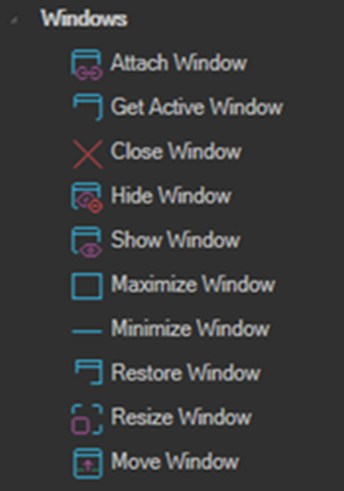
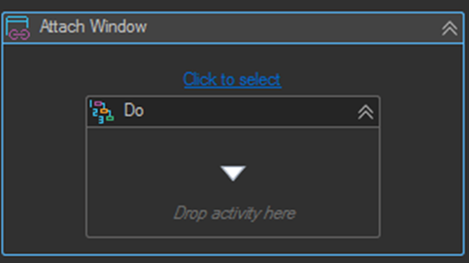
Every activity in this category throws an exception if the specified window cannot be found. Use the Click to select link to pick a window in the UI and fill the search properties automatically.
The window handle changes every time a window is closed and reopened. Do not rely on a captured WindowHandle across runs. Use Process name and Title instead.
Attach Window
Finds the specified window and provides it to the body of the activity. Window activities placed inside the body then act on that window without having to search for it again.
Properties
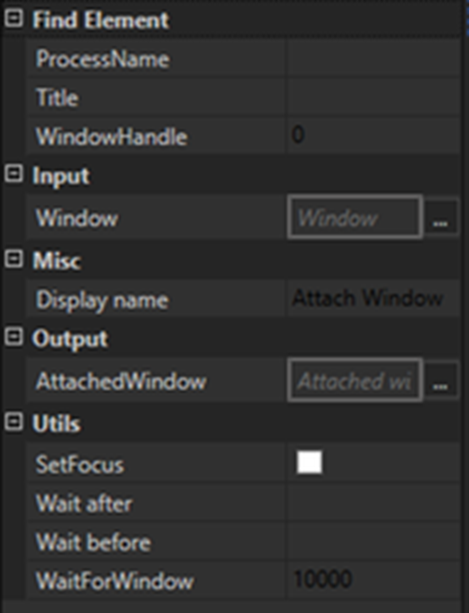
| Property | Description |
|---|---|
| ProcessName | The owner process name of the window. |
| Title | The window title. Supports the wildcard patterns *, ?, and #. |
| WindowHandle | A direct handle to the window. The activity gets the window from this handle. |
| Window | Takes a Window object as an input parameter and uses it in the body. |
| AttachedWindow | Returns the attached window as an output variable. |
| SetFocus | Sets focus to the window before executing the body activities. |
| WaitForWindow | Wait in milliseconds until the window appears and is ready to use. Throws an exception if the timeout elapses and the window has not appeared. |
| Wait before | Wait in milliseconds before the activity executes. By default the playback speed from settings is used. |
| Wait after | Wait in milliseconds after the activity executes. By default the playback speed from settings is used. |
How the window is resolved
The activity resolves the target window in this order:
- If the Window input property is set, that window is used.
- If the activity is inside a parent window activity such as Attach Window or Get Active Window, the window from the parent is used.
- If WindowHandle is set, the activity gets the window from the handle. If no window is found from the handle, it falls back to searching by the other properties such as process name and title.
When searching, the activity gets all processes matching the specified process name, gets all windows from each of those processes, and compares each window title against the specified title. Every matching window is added to a result collection, and the body is then executed once for each matched window. This means a single Attach Window activity can be used to act on multiple windows at once.
Get Active Window
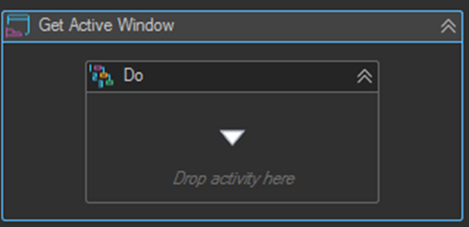
Gets the currently active window and provides it to the body of the activity, so activities in the body do not need to search for a window.
Close Window
Finds the specified window or windows and closes them.
Hide Window
Finds the specified window or windows and hides them.
Show Window
Finds the specified window and shows it.
Maximize Window
Finds the specified window and maximizes it.
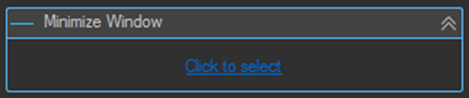
Minimize Window
Finds the specified window and minimizes it.
Resize Window
Finds the specified window and resizes it to the specified size.
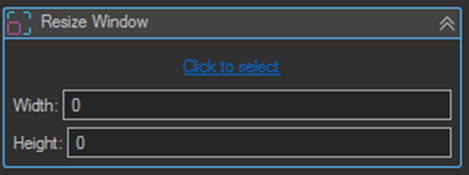
| Setting | Description |
|---|---|
| Width | The new window width. |
| Height | The new window height. |
Move Window
Finds the specified window and moves it to the specified position.
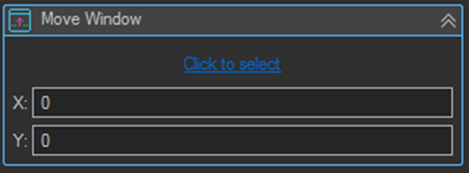
| Setting | Description |
|---|---|
| X | The new horizontal screen position. |
| Y | The new vertical screen position. |
Tips
- Wrap a group of window operations in a single Attach Window activity rather than repeating the search properties on each one. It is faster and there is only one place to update if the window title changes.
- Set WaitForWindow rather than inserting a fixed Wait activity before interacting with a window that takes time to open. It continues as soon as the window is ready.
- Use wildcards in Title for windows whose caption includes changing content, for example
*- NotepadorInvoice #* - Contoso. - Enable SetFocus on Attach Window when the body contains Keyboard activities, since those send input to whichever window currently has focus.
- Maximize Window at the start of a workflow gives interactions a predictable window size, which makes element positions and screenshots consistent between runs.