Command - Create Folder
The Create folder command creates a folder on the remote server.
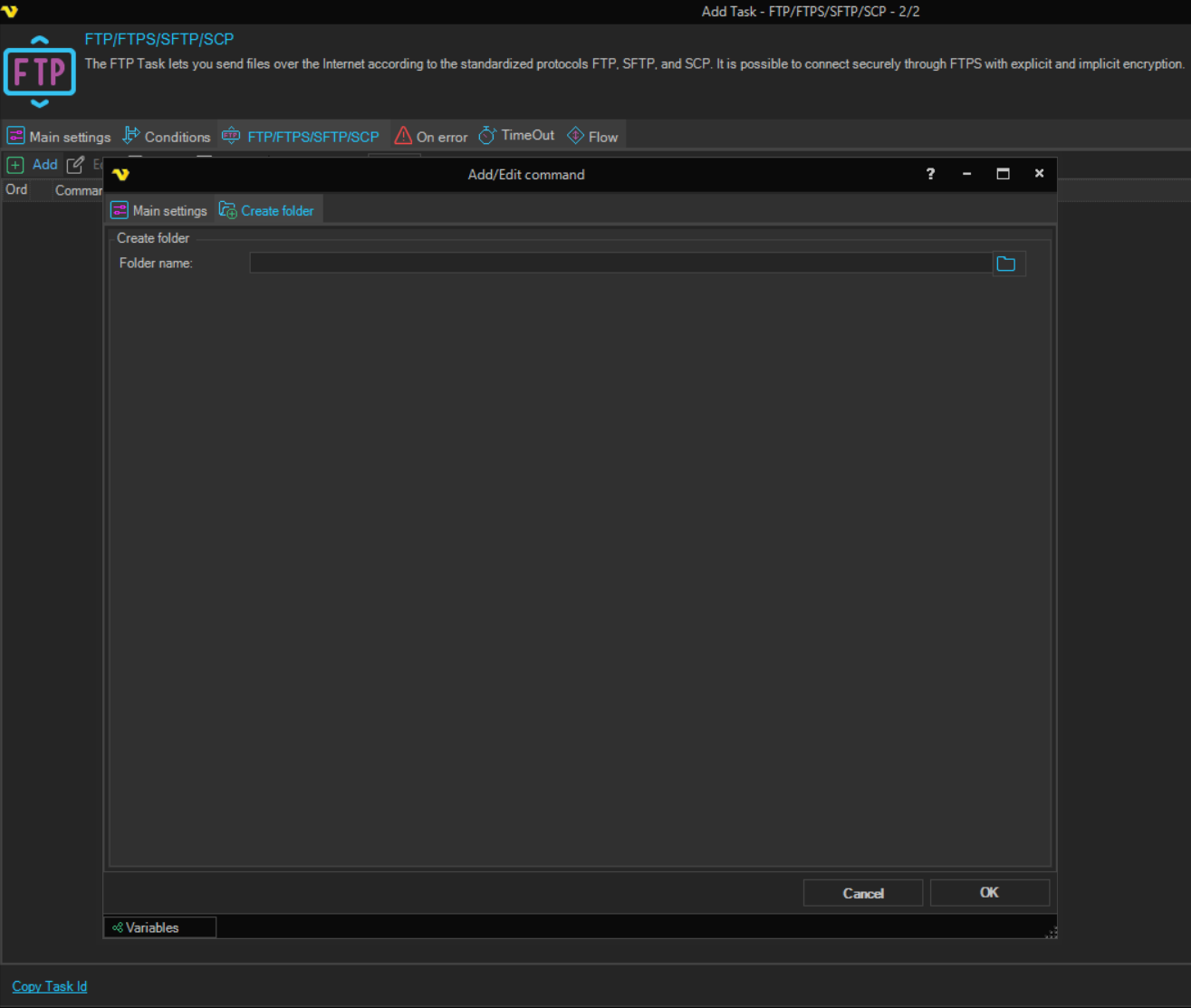
Create folder tab
-
Folder name (Create folder group): the name or path of the folder to create, for example
/folder/subfolderA name or path that does not start with
/is relative to the current folder; see Command - Change Folder. Click the browse button to select a location on the server. The field is required.
Whether missing parent folders are created depends on the protocol:
- FTP and FTPS: VisualCron sends one request for the whole path, so whether missing parent folders are created depends on the server; if they are not, create each level with its own Create folder command
- SFTP: VisualCron creates missing parent folders
- SCP: VisualCron runs
mkdiron the remote server, which does not create parent folders, so the parent folder must exist
On SFTP Connections, when the folder already exists, no error is raised, but the commands after Create folder in the Task do not run. On SFTP Connections, use Create folder only for a folder that does not exist yet, or make it the last command of the Task.
On SCP Connections, the result of mkdir is not checked, so the command reports success even when the folder was not created. The path is passed without quotes, so use paths without spaces.
The Credential box on the Main settings tab of the Add/Edit command window is not used by this command.