Command - List Files
The List file(s) command lists the files on the remote server that match the Remote File filter tab and writes them to the Task output, one file per line. See Remote File Filter. To list folders, use the "List folders(s)" command; see the List folders tab on Task Net - FTP/FTPS/SFTP/SCP.
List files tab
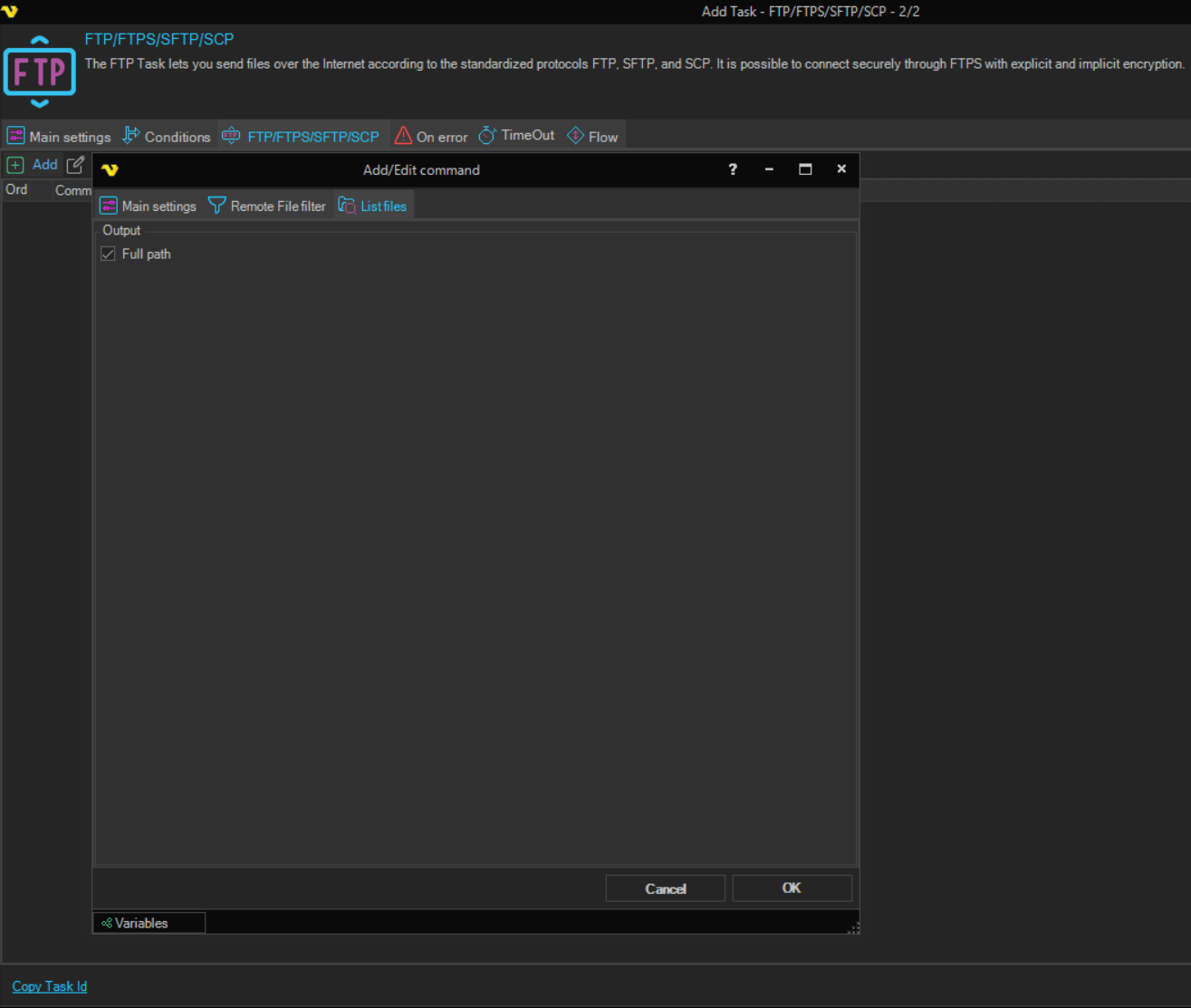
-
Full path (Output group): each line holds the full path of the file
When cleared, each line holds only the file name. Selected by default.
When no file matches the filter, the command raises the "No file(s) found" error. Whether this error fails the Task is set on the On error tab; see Task - On Error.