Command - Rename Folder
The Rename folder command renames or moves a folder on the remote server.
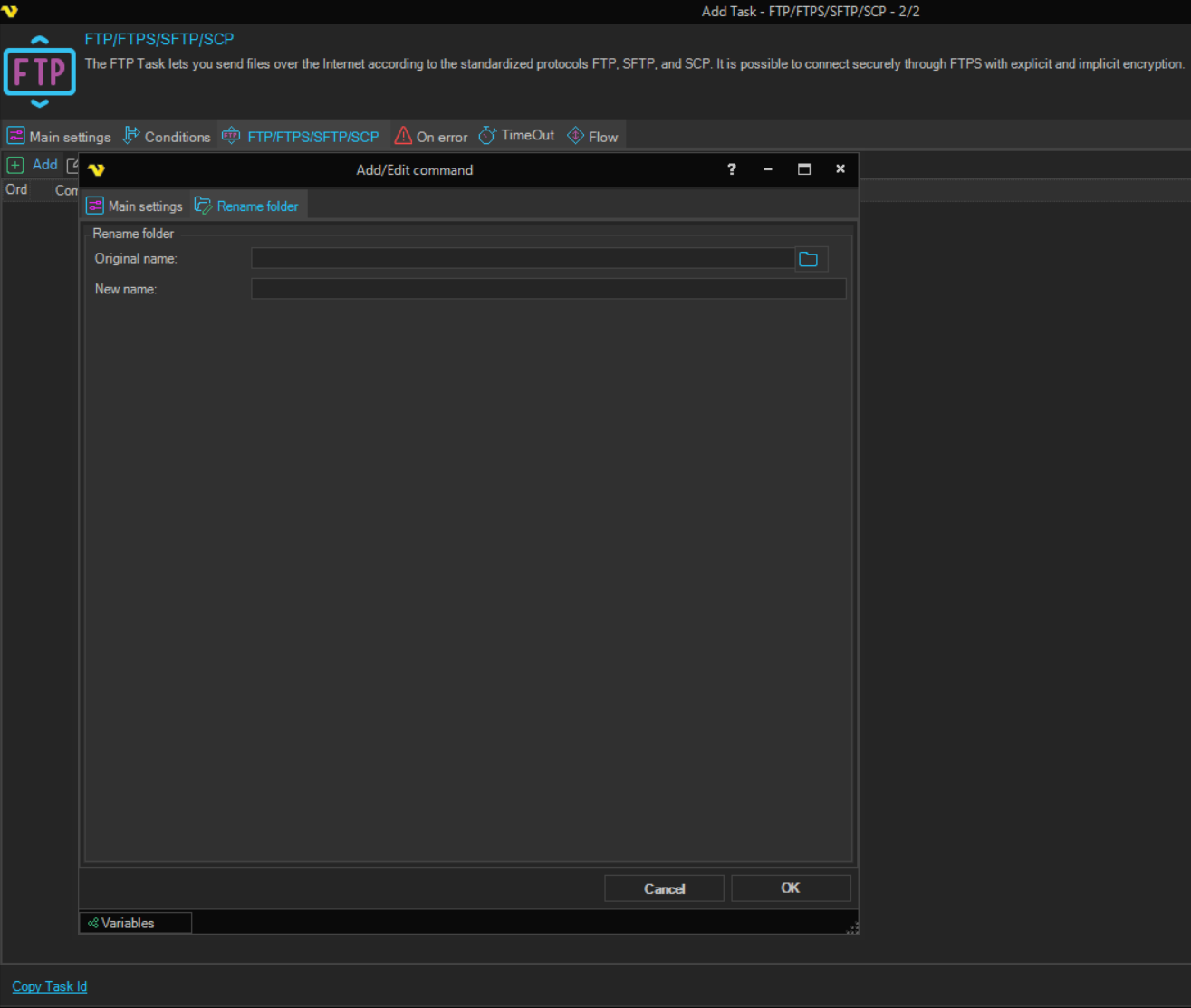
Rename folder tab
-
Original name: the path of the folder to rename, for example
/data/archiveClick the browse button to select a folder on the server. The field is required.
-
New name: the new path of the folder, for example
/data/archive2024The field is required.
Enter the full path in New name. On FTP, FTPS and SFTP Connections, a name without a path is taken as relative to the current folder, not to the folder that holds Original name, so the folder can be moved to another location.
On SCP Connections, enter Original name as a full path. A name without a path in New name is taken as relative to the folder that holds Original name, and the command makes that folder the current folder for the commands after it. VisualCron runs mv on the remote server with the paths as they are, without quotes, and does not check the result, so a failed rename is not reported. Use paths without spaces.
The Credential box on the Main settings tab of the Add/Edit command window is not used by this command.