Command - Custom Command
The "Custom command" command type sends one or more FTP commands that VisualCron has no command type for. Not every FTP server supports every command. To find out which commands a server supports, send the HELP command with Log received messages to task output selected on the FTP Connection; see Connection - FTP. The server's replies are then written to the Task output.
"Custom command" works only with FTP and FTPS Connections. The Add/Edit command window does not accept it with an SFTP Connection. With an SCP Connection the command can be saved, but the Server does not send the commands, and the Task continues as if they had been sent. To run commands on an SSH server, use the SSH Task; see Task Net - SSH.
Commands that need a data connection, such as STOR (upload), RETR (download), NLST and LIST, are not supported. Use the "Upload", "Download" and "List file(s)" command types instead.
Custom command tab
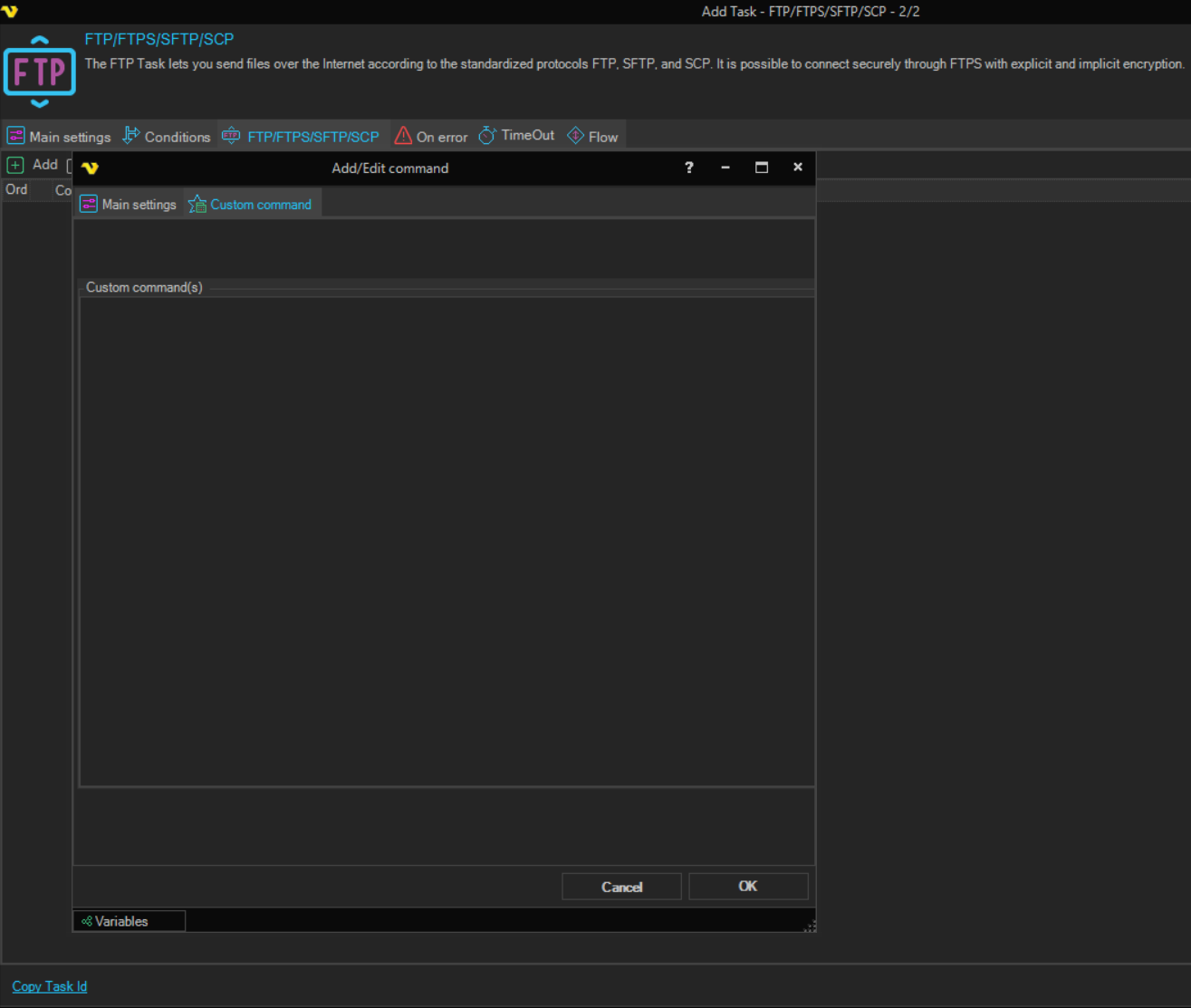
-
Custom command(s): one or more FTP commands, one per line
Each line is sent to the server as a separate command, in order. Blank lines are skipped, and Variables are replaced before the commands are sent. The field is required.
The Task output lists the commands that were sent. VisualCron does not check the server's reply to each command. To see the replies, select Log received messages to task output on the Connection, and check them in the Task output.