Command - Rename Files
The Rename file command renames the files on the remote server that match the Remote File filter tab. Each file stays in its folder; only its name changes. See Remote File Filter. The Task output lists the renamed files.
On SCP Connections, VisualCron runs mv on the remote server with the paths as they are, without quotes, and does not check the result. The output lists each file as renamed even when the rename failed. Use paths without spaces.
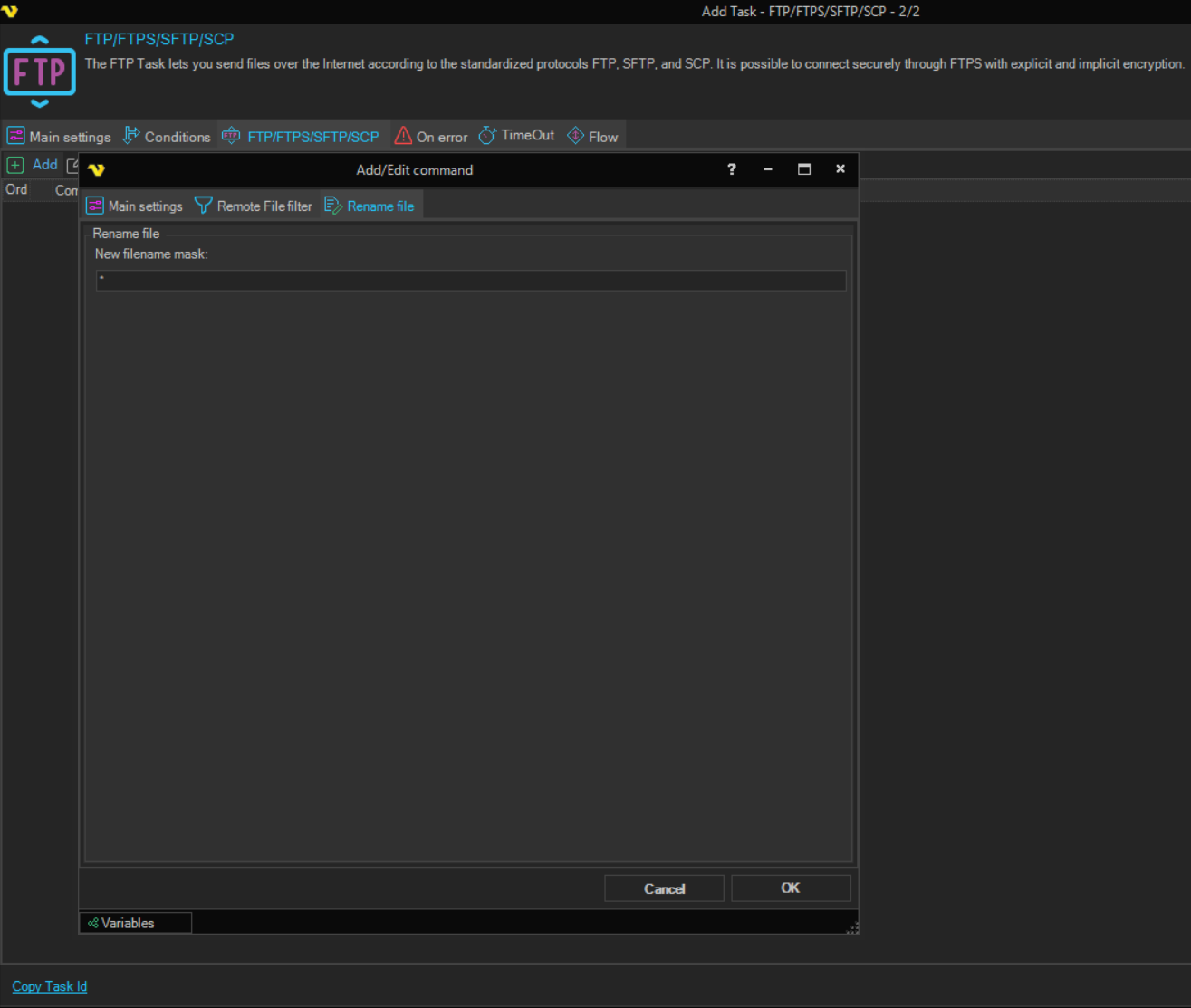
Rename file tab
-
New filename mask (Rename file group): the new name for each file
*stands for the original name, so the default*keeps the name. Use wildcards and Variables to build the new name from the original, for example*.bak. The field is required.
When no file matches the filter, the command raises the "No file(s) found" error. Whether this error fails the Task is set on the On error tab; see Task - On Error.
The Credential box on the Main settings tab of the Add/Edit command window is not used by this command.