Command - Delete Files
The Delete file command deletes the files on the remote server that match the Remote File filter tab; see Remote File Filter.
Every file that matches the filter is deleted. Test the filter before you run the Task, for example with a "List file(s)" command that uses the same filter; see Command - List Files.
On SCP Connections, VisualCron deletes each file with the rm -rf command on the remote server. The path is passed as it is, without quotes, and the result is not checked. A path that contains spaces or shell characters can delete other files or folders than the matched file, and a failed delete is not reported. On SCP Connections, use paths without spaces or shell characters.
Delete file tab
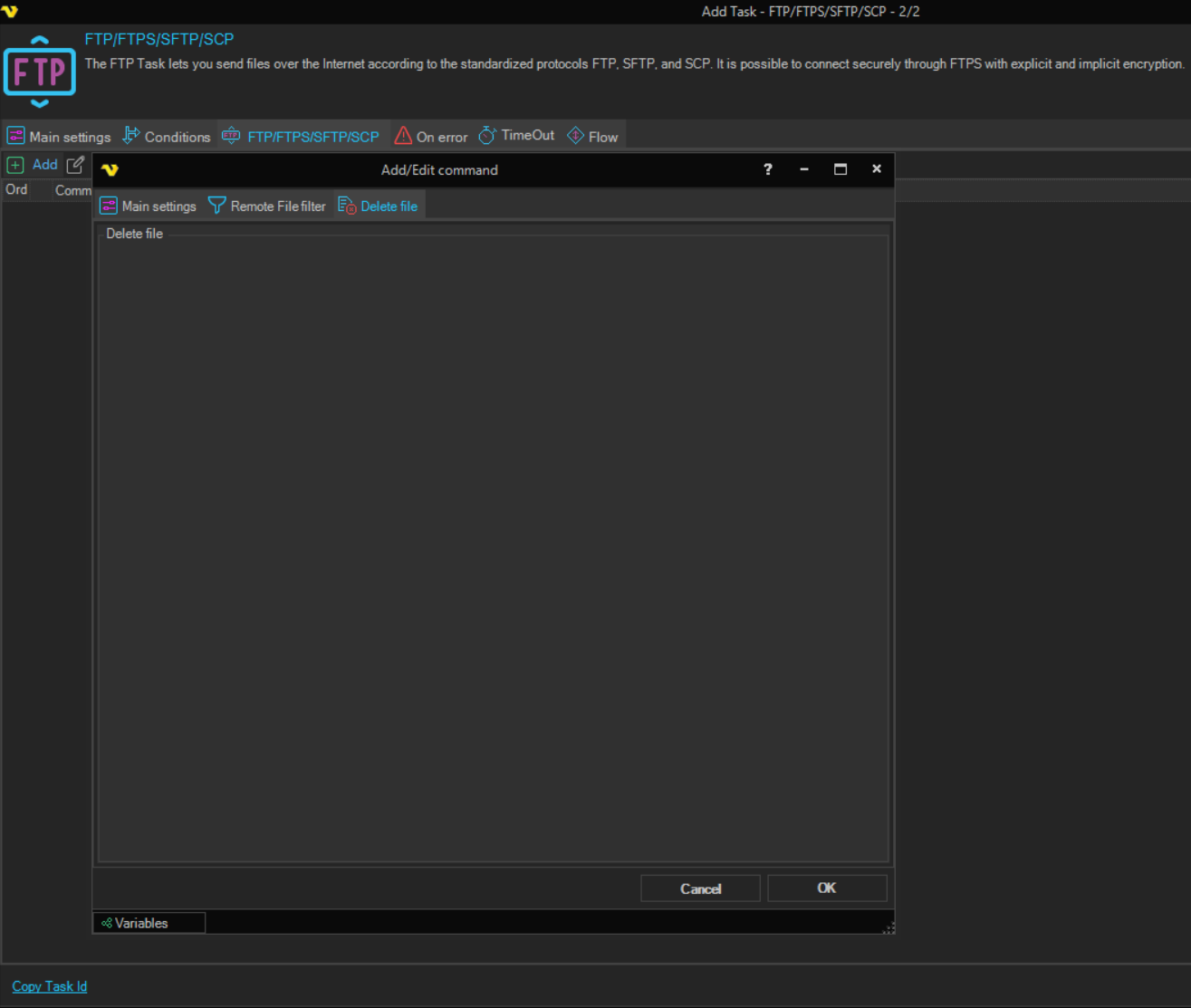
The Delete file tab has no settings. The files to delete are set on the Remote File filter tab.
The Task output lists the deleted files. When no file is deleted, the command raises the "No file(s) deleted" error. Whether this error fails the Task is set on the On error tab; see Task - On Error.
The Credential box on the Main settings tab of the Add/Edit command window is not used by this command.